How to Install a Dash Cam
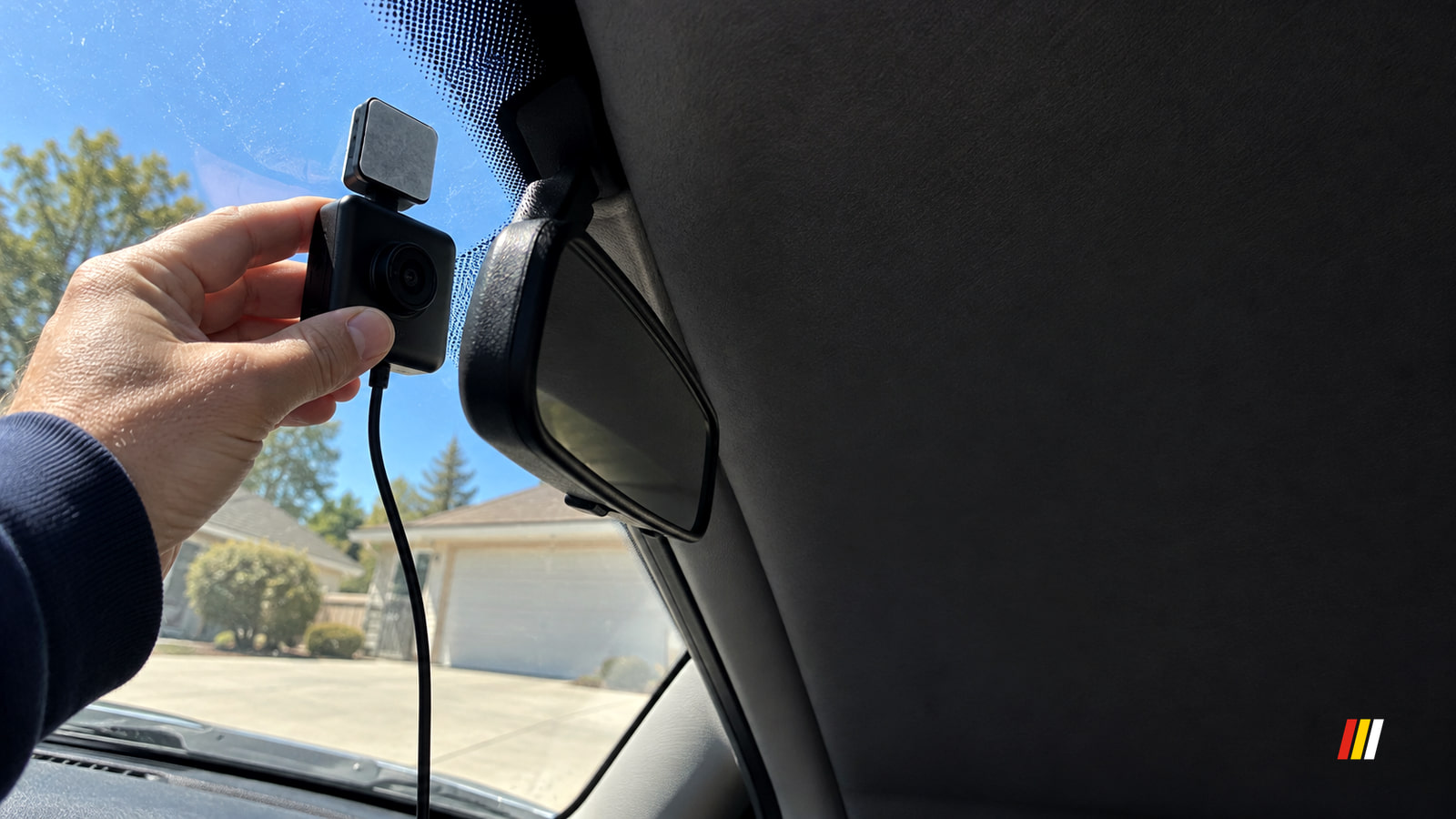
How to install a dash cam: choose a safe spot, match the power setup to how you’ll use it, then play back front and rear test footage while parked.
Cars, tested and explained/ News, guides and fixes
How we testTunedDrive
New guides, news and deals, in publication order.
How to install a dash cam: choose a safe spot, match the power setup to how you’ll use it, then play back front and rear test footage while parked.
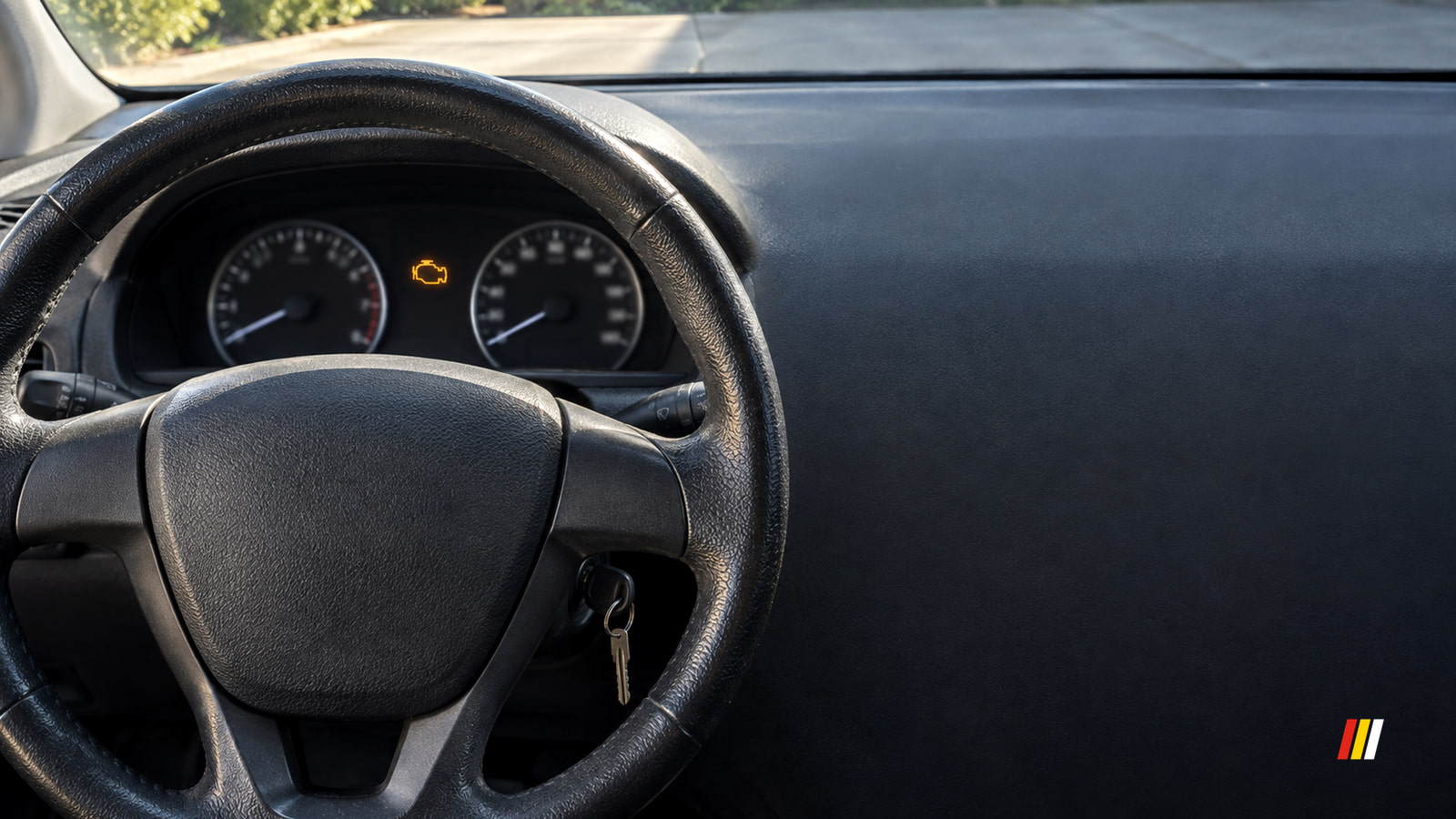
Check engine light on but car running fine? Check for a flashing light or other warnings first, then check the fuel cap and arrange a diagnosis.
A car battery keeps dying when it can't hold a charge, isn't recharged while driving, has a poor connection, or loses power while parked.
Car AC not blowing cold? Check the controls, then notice whether the airflow is weak, stays warm or fades at stops. Each result points to a different next step.
A flashing check engine light calls for a safe stop. If it's steady and the car feels normal, check your car's warning instructions and arrange a diagnosis.
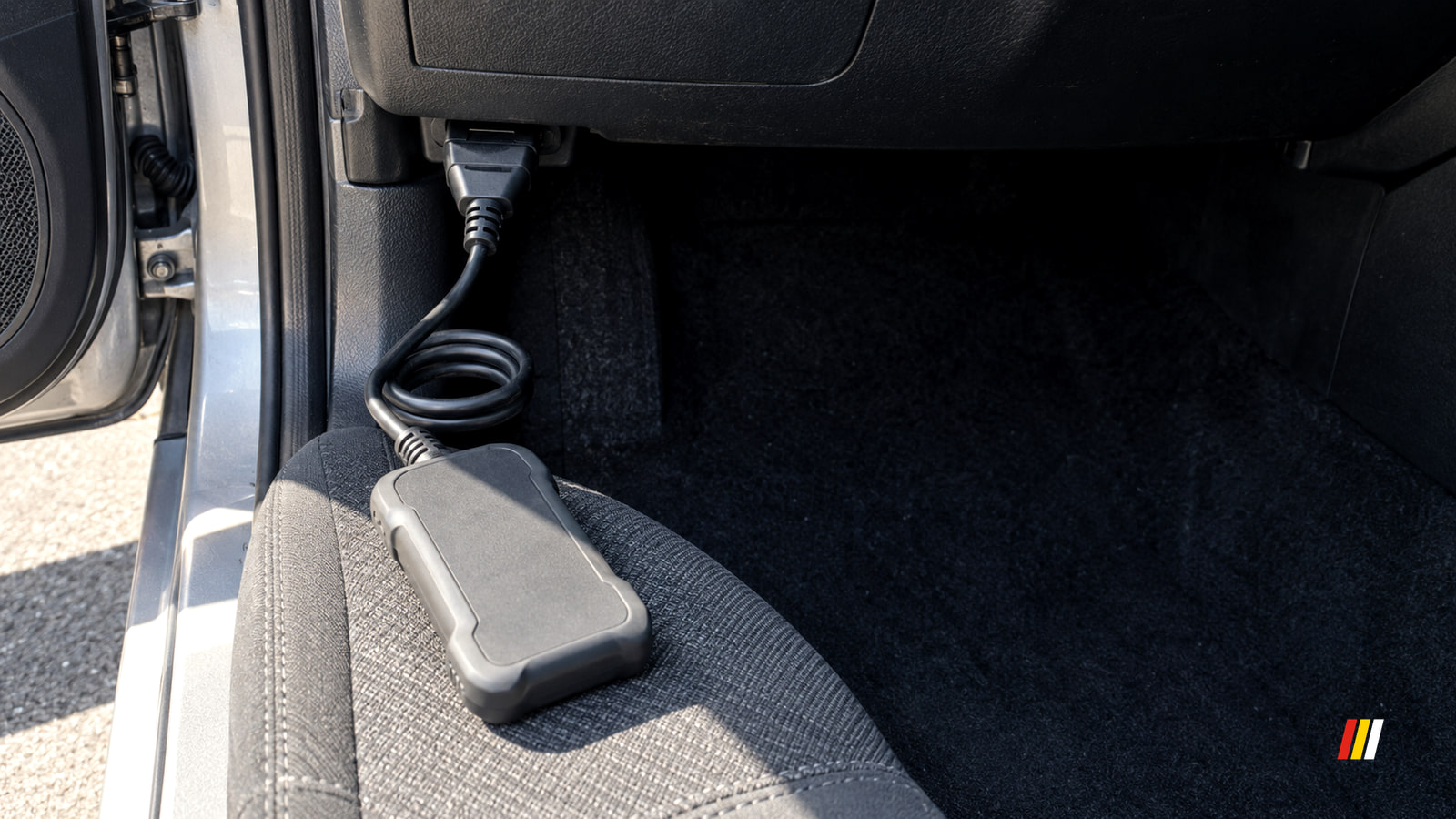
Park, plug in with the ignition off, then turn it on without starting. Read and save every code, freeze frame and readiness result before using Erase.
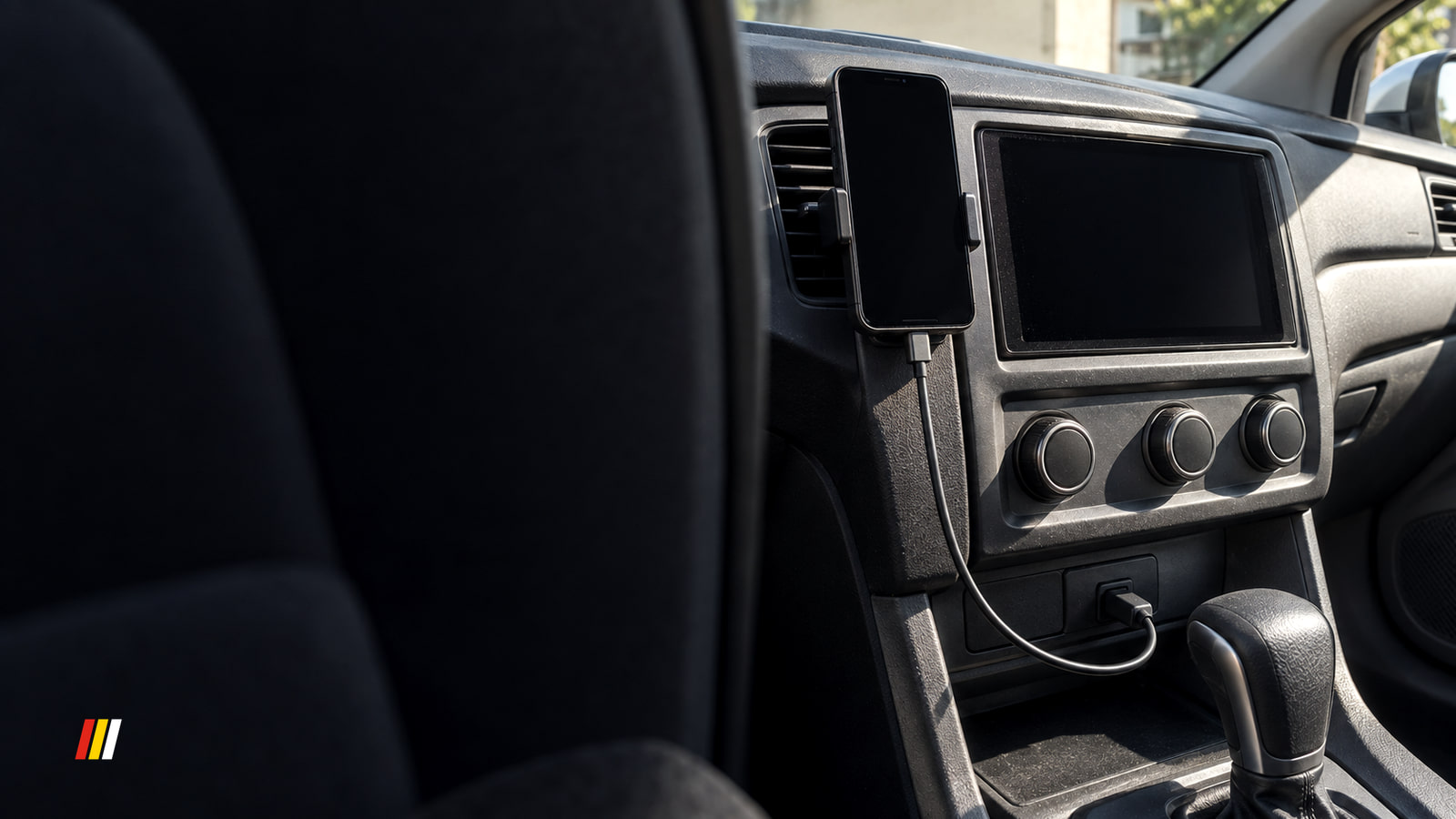
When Google Maps fails on Android Auto, test a new route on your phone while parked, then compare the car screen to find the right fix.
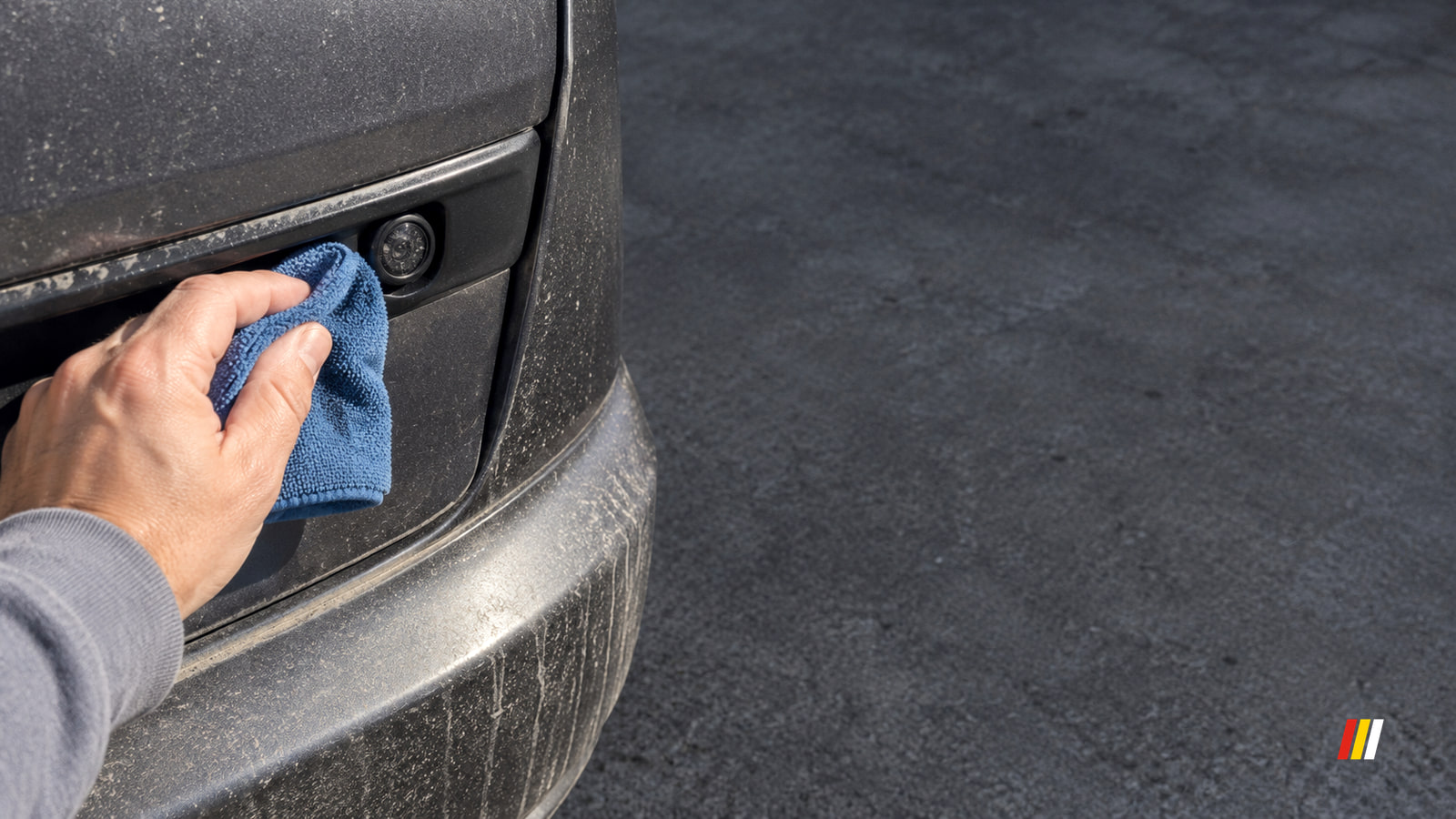
A backup camera that won't turn on points first to the reverse signal or screen. A blank camera view points to power or video; a hazy one points to the lens.