The Hour After Something Happens
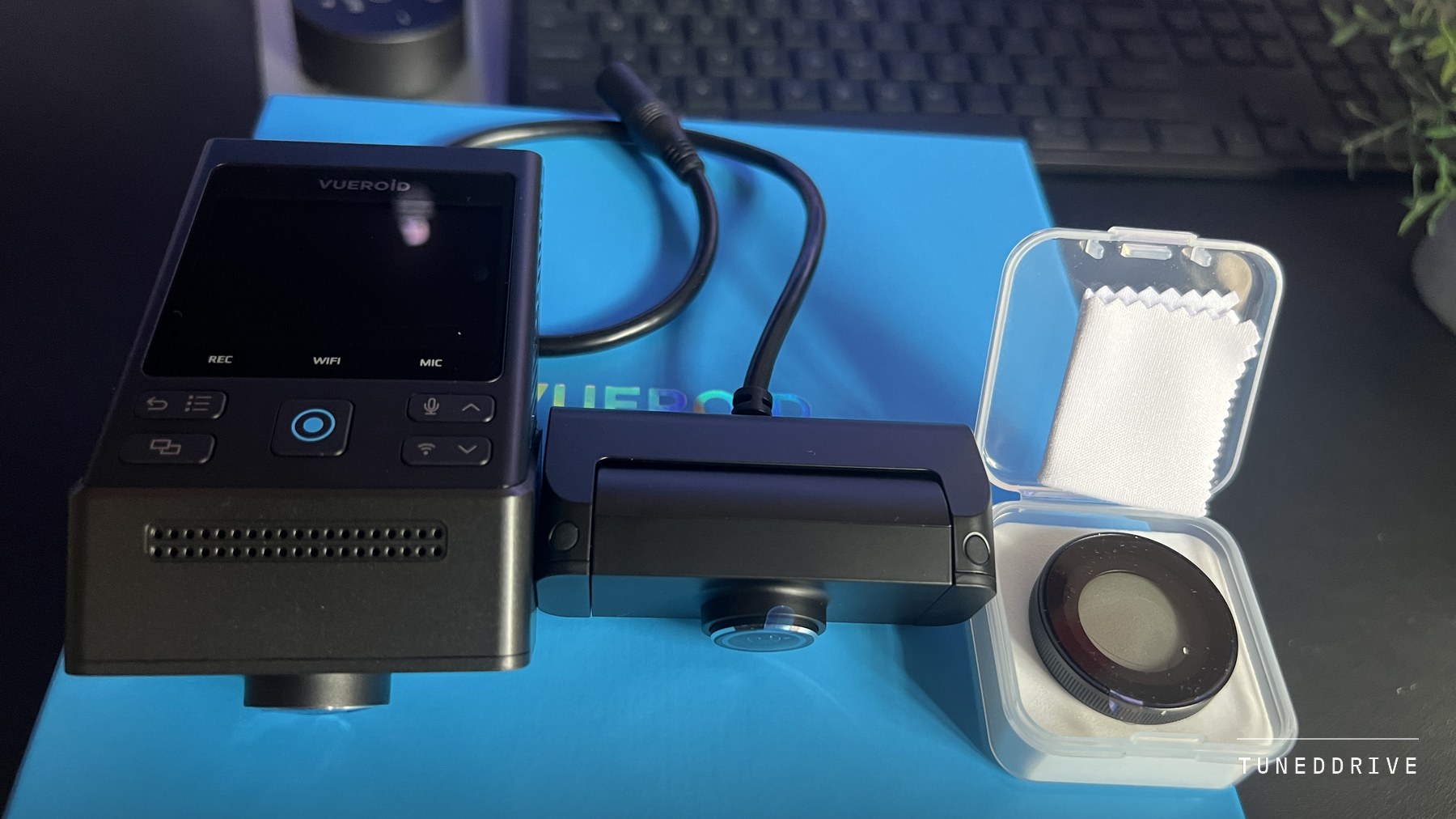
The S1 4K Infinite spent three weeks on my windshield as the two camera kit, 4K at the front and 2.5K at the back, through day drives, night commutes and overnight parking. Its picture is sharper and cleaner than the dash cams I had used before it, most of all after dark.
- Cameras
- 4K front at 151 degrees, 2.5K rear at 160
- Sensors
- Sony STARVIS 2, IMX678 front, IMX675 rear
- Frame rates
- 30fps with HDR or plate mode, or a 60fps front without
- Files
- One-minute MP4s with a time and optional GPS stamp
- Storage
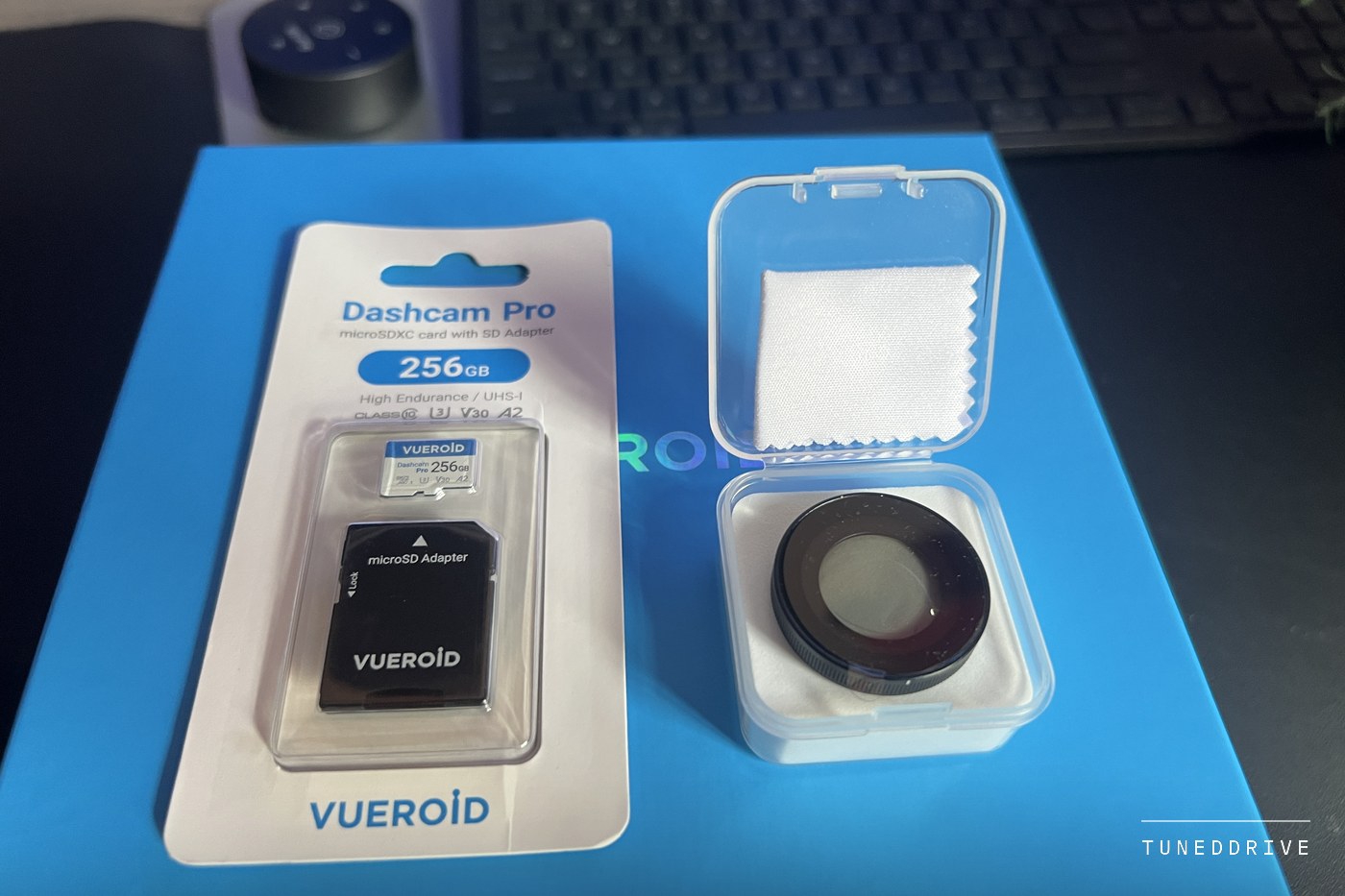
- microSD to 512GB, not included
- Getting clips off
- Wi-Fi app, card reader, USB-C cable or its own screen
- Parking power
- Hardwire cable in the box
- Tested
- Three weeks, day, night and parked overnight
What a dash cam is worth gets decided in the hour after something happens. The right clip has to exist, survive the loop, carry the right time and reach an insurer or an officer intact. The S1 can do all of that, but the settings that decide it are easy to leave wrong, so this review follows the clip.
Infinite names the S1 family and its plate mode, and promises nothing about storage. The card is a loop like any other dash cam's, and most of what follows is about keeping that loop off the clip you need.
What Makes a Clip Worth Handing Over
Start with the people receiving the clip. The plainest statement of what they want is one English police force's guidance for drivers who send in dash cam footage of bad driving. It asks for the original recording, seen without enhancement or manipulation, with about a minute either side of the incident. The date and time should be right, and any difference explained. Officers cannot enhance a plate you cannot read in the original, and they will review your driving too.
US federal courts ask a similar question. Their rules of evidence require proof that a recording is what you say it is, and treat an accurate copy like the original unless its authenticity is genuinely in doubt. A trimmed, blurred or re-exported clip is no longer an exact copy, so keep the untouched file and hand over copies. The same habits serve an insurance claim. This is general information, not legal advice.
Plates at Distance and After Dark
The footage is the S1's strongest argument. By day, plates around me were readable at the distances that matter in ordinary traffic, and signs and lane markings stayed crisp without over-sharpened edges. The 2.5K rear read plates behind me in good light, and its wider view took in the lanes either side.
At night it held more detail than anything else I had tested recently. Headlights, streetlights and reflective signs did not flare across the frame, shadows kept their detail, and plates stayed legible in parking lots and under street lighting.
Distance still wins. The front camera's 3,840 pixels spread over 151 degrees come to something like 25 to 30 per degree. A 12-inch plate 50 feet ahead covers a little over one degree, roughly 30 pixels across the whole plate. Halve the distance and you double that. The plate that matters is usually the nearest one, and as the police guidance warns, a plate you cannot read in the original is one they are unlikely to read either.
Infinite Plate Capture, an HDR-based mode, is Vueroid's answer. In my footage it helped most at sunrise and sunset and made little visible difference in full daylight. The manual says it favours the plate and may leave the rest of the picture lower in quality, a fair trade when the plate is the question and a poorer one when the question is who had the green light.
The front camera also records 4K at 60 frames a second, twice the chances at a clean frame of a passing car, but at 60 the manual switches off HDR and plate mode. The rear stays at 30 on this kit, and parked recording is always 30. My recommendation after three weeks is 30 with HDR and plate mode on.
The Parking Mode Decides Whether You See the Approach
Parked recording needs constant power, and the hardwire cable that provides it is in the box. On the cigarette lighter cable the S1 cannot enter parking mode at all. I ran it through overnight parking and its parking mode is among the best I have used, but the mode you choose decides what a parking clip contains, and the most battery-friendly one tells you least.
| Setting | What the clip holds | What it can miss |
|---|---|---|
| Extreme Low Power | 30 seconds from just after the impact, which wakes it in under a second | The approach, and scrapes too gentle for the impact sensor |
| Impact and Motion, low power off | 10 seconds before and 20 after any motion or impact | Little, at a higher battery cost |
| Impact and Time Lapse, low power off | One frame a second, plus a full speed clip on impact | Moving plates between frames |
| Hybrid | Motion or time lapse, then Extreme Low Power after a set time or voltage | The approach, once in low power |
Two automatic features narrow it further. In extreme heat, Durashift drops the camera into that same low power sleep, so until it cools every parking clip starts after the impact. And the Auto REC Off Zone stops parking recording from starting inside up to three geofenced zones of 30, 50 or 100 yards radius. That suits a garage. A 100 yard circle around a house on a street takes in the street, where a parked car is most exposed.
Keeping the Loop Off the Clip You Need
The S1 files by type, with one-minute driving files in a folder the loop records over and separate folders for impacts while driving, impacts while parked and the manual record button. Vueroid keeps files at one minute so a sudden shutdown costs little, and says its file system protects what is already written, which it offers instead of a supercapacitor to finish the last file when a crash cuts the power.
Event Video Protection matters most. With it on, impact clips are not overwritten, but when their folder fills, the camera warns you on screen and by voice, and until you clear it new impact clips are no longer protected. Every pothole the sensor mistakes for a hit takes a place there, so turn the driving impact sensitivity down if it keeps filling, and back it up regularly, as Vueroid advises.
The second catch is length. An impact clip keeps 10 seconds before the hit and 20 after, and so does the record button. The police guidance recommends a minute either side, and the rest of that minute sits in the ordinary files, unprotected. An independent test measured about 575MB a minute for both cameras at the highest bitrate, so a 256GB card holds well under eight hours of driving, less than a week of an hour's commute each way.
So after anything that matters, copy the ordinary files either side as well as the event clip, or take the card out and let a spare do the recording.
The Clock and the Stamp Are Your Job
The S1 takes the date from GPS, but its time zone ships at GMT+0, and daylight saving is a switch you turn on and later off yourself. Leave either wrong and every clip carries a time that is out by an hour or more, which your statement then has to explain. Set the zone at install and check the stamp against your phone.
Current firmware lets you pick what the stamp burns into the picture, including date and time, GPS speed, GPS coordinates and battery voltage. Coordinates answer where before anyone asks. Decide on speed calmly and in advance, since your own driving gets reviewed too, and the app separately keeps up to six months of routes and speeds.
- Time zone set, and the stamp checked against your phone.
- Daylight saving switched by hand when the clocks change.
- Event Video Protection on, with driving impact sensitivity low enough that potholes do not fill it.
- Firmware current. The September 2026 release fixed an intermittent fault that saved some rear parking recordings as empty files, so play a clip from each camera now and then.
- A spare high endurance card in the glovebox.
Four Ways to Get a Clip Off the Camera
The Vueroid Hub app is the convenient route and was the S1's weakest part. Pairing needed several tries. Bluetooth found the camera, but the hand-off to Wi-Fi was inconsistent and dropped several times before it settled, and afterwards the connection still tended to drop when the app went to the background. Connected, it was good, with sensible file lists, quick previews and fast transfers over 5GHz Wi-Fi. Install Vueroid Hub, not the older Vueroid app.
Vueroid's manual warns that a phone on wireless CarPlay or Android Auto, or running a VPN, may get a limited connection. I cannot say that caused my drops, but it is quick to rule out. And opening Playback or Settings pauses recording, so press the record button and leave the menus alone until you are done at the scene. The September 2026 firmware lists better app connection stability, which I have not retested.
The card is the dependable route. Switch the camera off first and any reader takes it, and the plain MP4s play on anything. Vueroid's PC Viewer shows both cameras with a map and the G-sensor graph, and prints GPS and speed data with thumbnails, a tidy page for a claim.
The manual lists two more. The camera's 2.3-inch screen plays clips back and can lock one against deletion, useful if an officer wants to see it at the scene. And over USB-C the camera becomes a card reader: slide it off its mount, connect the included cable to a laptop or phone, and hold the record button while switching it on.
AI Plate Restoration Is a Lead, Not Evidence
The app and the PC Viewer can send a frame to Vueroid's servers to rebuild a blurred plate. My results were mixed. It helped plates that were already partly legible and did little for plates lost to motion blur or distance. Vueroid says the result may not match the real plate, is tuned for US plates and is for reference only, and that uploads are deleted once processed.
Treat a restored plate as a lead to check against the make, model and colour in the original footage, and say it is a machine reconstruction if you pass it on. It never replaces the original file.
The privacy blur was the more consistently useful tool, masking faces and plates in a copy for posting publicly, though Vueroid says to check it for misses. Keep it for footage that is not evidence in anything. The police guidance says footage in a possible prosecution belongs out of the public domain, and a pending claim is a good reason to do the same.
Worth the Money if You Set It Up Once
The S1 4K Infinite records footage good enough to settle an argument, by day and by night. Its weak points sit between the card and whoever needs the clip: an app that took patience, a clock set to the wrong zone for American drivers, a protected folder that stops protecting when full, and a parking mode that can start after the event. Apart from the app, all of them are settings or habits, fixable in an evening.
It costs more than most 4K front and rear cameras and comes without a memory card. What the money buys is the picture, which is what an insurer or an officer will look at.
Buy it if the footage has to hold up, for night driving, street parking or a car you cannot afford to argue about, and set the time zone, event protection and parking mode before the first drive.
Look elsewhere if you want an app that works perfectly on day one, or never plan to open the settings.
Does the front camera record 4K at 60fps with the rear camera connected?
Yes. The rear stays at 2.5K and 30fps on the two camera kit, but HDR and Infinite Plate Capture switch off at 60. The rear drops to 15fps only when an interior camera is added.
How do I stop the loop from recording over an accident?
Turn on Event Video Protection, press the record button for anything the impact sensor would not feel, then copy the event clip and the files either side of it, or swap the card for a spare.
Why is the time on my footage wrong?
The time zone ships at GMT+0 and daylight saving is switched by hand. Vueroid adds that a missing GPS signal or a flat clock battery can also throw it off.
More in this category