Why it sounds and how to quiet it
- Look for signs of a break-in before treating the alarm as a false trigger.
- Press Unlock on your fob. If it fails, try the spare, then the hidden key and recognized-key start procedure.
- When it sounds again, look for an ajar warning, a pressed Panic button or a 12V battery problem.
- Stop driving if the hood or a door will not latch securely.
An armed factory alarm watches protected openings. A real entry attempt can sound the horn and flash the lights, but an opening switch that reports the wrong state can do the same. We’d try Unlock first because it both quiets a working factory alarm and tells you whether the car recognizes the fob.
- Look at the car from a safe position. If you see damage or someone trying to enter it, stay back, call the police, and do not approach while someone may still be there.
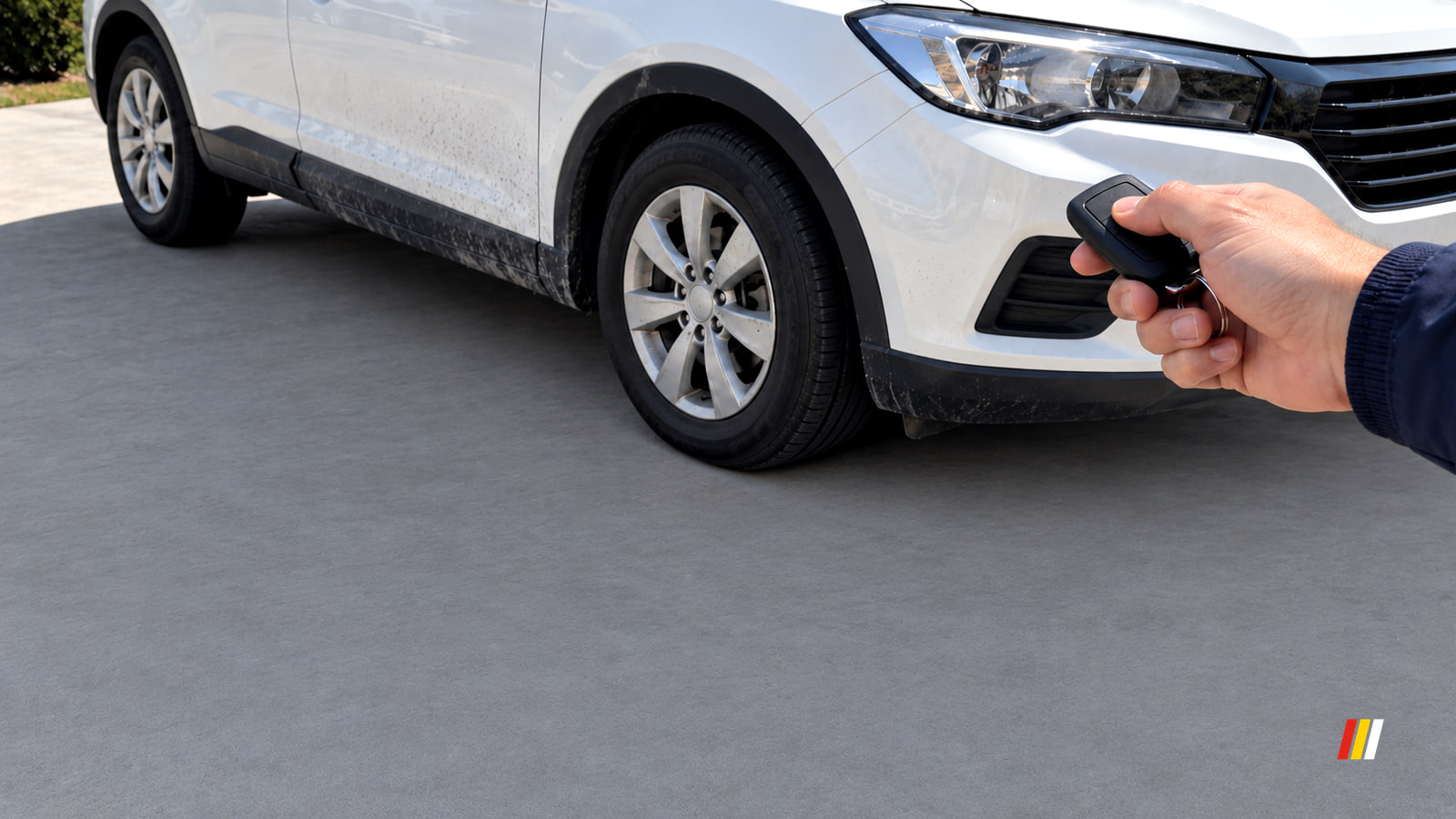
- Press Unlock on the usual fob. If the horn and lights continue, press its alarm or Panic button once, then try the spare fob. A pressed Panic button can sound much like a theft alarm.
- If neither fob responds, use the hidden mechanical key to enter. That unlocks and disarms some factory systems, but sounds others. Use the recognized key or fob to switch the car to ON or start it by its normal procedure, as shown in Ford's factory-alarm disarm instructions (opens in a new tab). Keep the engine off in an enclosed space.
- Confirm the car is unlocked and its security indicator shows it is disarmed. Quiet alone is insufficient: a sounding cycle can end while the system remains armed. On an added alarm, identify its remote or control center and use the emergency override sequence for that installed system if the remote has failed. Confirm its status indication afterward.
| What you notice | What it points to | First move |
|---|---|---|
| Ajar warning or interior light with everything shut | An opening or its switch reports open. | Open and firmly close that opening; watch the warning. |
| Horn starts while a fob is in a pocket or bag | Panic may be pressed. | Move both fobs away and inspect their buttons. |
| Weak starts or unreliable electrical power | The 12V supply or its connections need testing. | Inspect the terminals and measure rested voltage. |
| Alarm follows movement or nearby vibration | An interior or added shock sensor may be responding. | Clear movement inside; identify the alarm system. |
| Alarm recurs with no visible clue | A switch, wiring or alarm control fault may be intermittent. | Record the timing for trigger-history diagnosis. |
Find what sets it off
- Write down whether it starts right after locking, hours later, after rain or after passing traffic. Note whether the exterior lights flash, a separate siren sounds, or the normal lock flash or chirp changed. A changed confirmation sends you to the openings first.
- Look at door, hood and hatch warnings and the interior lights. Open and firmly close each opening, then watch for a warning that remains or flickers. A hood-open message with the hood shut makes its latch or switch an important clue, but first confirm the hood physically latches.
- Move both fobs away from the car and keep their buttons clear. Inspect each Panic button and compare Lock and Unlock response. If only one fob acts up, focus on that fob; if both do, continue with the car’s inputs.
- If you see swelling, cracks or leaks, or notice unusual heat, stop and leave the battery for service before touching its posts. If you can see the 12V battery posts, look for loose cables or white or green crust. With the vehicle off and the battery rested, set a multimeter to DC volts, put red on positive and black on negative, and read the voltage. Around 12.6V is a charge reference. Below 12.2V calls for charging and a battery test.
- Look inside for a person, pet, insect or swinging item if the car has interior sensing. For an added alarm, identify its remote or control center and note whether vibration precedes the sound. Clear the cabin, then compare the next lock cycle; an alarm that still follows vibration points you to the shock-sensor adjustment.
A low reading after repeated alarms may be the result of the horn, lights and electronics drawing power. If it runs low again after charging, follow the battery and charging-system checks.
Fix the opening clue
If a warning points to an opening, inspect the visible latch area with a flashlight. Remove loose debris you can reach with a dry cloth, then close the door, hood or hatch firmly. The warning should go out, the opening should stay latched, and the next lock confirmation should return to its usual pattern. A warning that persists with the opening shut points toward latch or switch diagnosis.
If the fob responds only sometimes
If a fob has lost range or responds intermittently, make sure nothing presses its Panic button in a pocket or bag. Compare it with the spare. CR2032 is a typical coin cell; read the old cell’s type before buying.
- Find the cover slot or seam, then lift it with the hidden key blade or a tape-wrapped flathead screwdriver. Note which side of the old cell faces up and read its printed type.
- Fit the same cell type in the same orientation, close the cover securely, and put the old cell out of children’s reach. The U.S. Consumer Product Safety Commission’s coin-cell guidance (opens in a new tab) explains the swallowing hazard.
- Test Lock and Unlock at the fob’s usual working distance, then arm the car and observe another parking cycle. If only this fob still fails, it needs key diagnosis. If both work but the alarm returns, move to the 12V and sensor checks.
If the battery or a sensor is the clue
- Acid can burn you, and a damaged battery can fail violently. If you can reach the battery terminals, turn the car off and wear eye and hand protection. If the vehicle permits cable removal, disconnect negative first, then positive. Use a battery brush and baking-soda solution on corrosion on the posts and clamps, keeping the solution out of the battery, then dry the area.
- Reconnect positive first, then negative. Secure the cables and battery hold-down. The connections should not move by hand; the car should start and its electrical functions should work normally.
- Wear eye protection, ventilate enclosed spaces, and keep sparks and flames away from the lead-acid battery while charging. Charge a sound but discharged battery using a charger and connection procedure for its battery type and vehicle, then have it tested. If it fails testing or will not hold charge, fit a replacement matching its type, size and rating. Complete the vehicle’s battery-sensor setup if its instructions call for one.
- If the alarm sounds when power returns, disarm it normally. Rearm and observe another parking cycle. If voltage falls again or the alarm returns with a tested battery, the charging system, parked electrical draw and alarm inputs need diagnosis.
On an added alarm with an adjustable shock sensor, lower its sensitivity one small increment and rearm. Compare another period with the same passing traffic or wind, and confirm its intended impact warning still responds. If it continues sounding, leave the sensor and wiring for diagnosis. Restore normal arming after using an added alarm’s owner override because override mode reduces security.
Why it happens after locking or later at night
| When it sounds | Next check | What to compare |
|---|---|---|
| Right after locking | Reclose each opening and watch its warning and arming indication. | Does the next lock give the car’s usual flash or chirp? |
| Hours later | Test rested 12V voltage and watch for intermittent ajar warnings. | Does it recur with a tested battery or the same warning? |
| During or after rain | Note any flickering hood or other opening warning. | Does the warning return when the car is wet? |
| With traffic or wind | Clear cabin movement and lower an adjustable added shock sensor slightly. | Does it stay quiet while impact warning still works? |
If your alarm offers a reduced cabin-sensing setting, first remove occupants, pets and loose items. Select the reduced setting, lock the car and observe the next parking cycle. Quiet points to interior motion; another alarm sends you to the other checks. Restore full sensing after the test.
A factory alarm may finish arming about 20 seconds after locking. Watch your car’s security indicator through its arming period.
If the alarm still returns
Disconnecting the 12V battery also leaves the trigger unfixed. A backup siren may continue sounding, vehicle settings may need resetting, and an armed alarm may sound when power returns. Use the normal Unlock, spare-fob and recognized-key sequence for immediate quiet.
- If an electrical function has stopped working, identify its circuit and fuse in the vehicle’s fuse chart.
- With ignition and accessories off, use the supplied puller to inspect only the small plug-in fuse listed for that circuit, and leave main or other high-current fuses to a dealer.
- Fit the matching fuse and test the circuit. It should work; if the fuse blows again, stop.
If the alarm returns after these checks, sounds while verified disarmed, or the car will not start, the owner work is over. Contact a dealer or independent automotive electrical shop that can read security data, or the added alarm’s installer. Use roadside assistance if the car cannot start or a hood or door cannot latch. Tell them when it sounds, what flashed or sounded, any ajar warning, both fobs’ results and the rested 12V reading. Ask for trigger history and live switch data before authorizing a part.
An initial electrical diagnostic visit runs $110 to $200 in the U.S.; extended tracing of an intermittent fault can add time. U.S. examples put installed 12V car-battery replacement at about $240 to $370, depending on the vehicle, battery specification and location. Shops mark parts up over retail, so the parts line on a quote can exceed the retail battery price.
For a small car or compact SUV, an illustrative mixed-source estimate for factory body control module replacement and programming is $810 to $960 at an independent shop: a $710 to $740 module plus 0.80 to 1.40 hours at $120 to $159 per hour. The replace-and-program labor input is 0.8 to 1.4 hours. About $730 in parts and one hour at $139.50 per hour totals about $870. Separately billed key or fob programming, a new fob, initial diagnosis and wiring repair can add to that job. Confirm the failed input and module before approving replacement.
Questions that come up afterward
Why does it keep going off even when the car is unlocked?
Open and close a door after unlocking, then verify the car stays disarmed; some cars relock and rearm when no door is opened. If it remains disarmed, move the fobs away to rule out Panic and identify any separate added alarm. A factory alarm that truly sounds while disarmed needs electrical diagnosis.
Can I still drive if the alarm keeps going off?
If the car starts and drives normally and the fault is confined to its parked alarm, you can drive it for diagnosis. Attend to repeated sounding promptly because it can drain the 12V battery or leave the car unsecured. A no-start, charging or lighting fault, smoke, damaged wiring, or a hood or door that will not latch changes that decision: stop and arrange assistance.
Should I disconnect the battery or pull a fuse to stop the alarm?
Neither fixes the trigger. Battery disconnection may lose settings or set off a backup siren, while pulling a shared fuse may disable the horn or security system. Use Unlock, the spare fob or the recognized-key procedure; inspect a fuse only when its documented circuit has stopped working.
Preferred source
See more TunedDrive on Google
Select TunedDrive in Google’s source preferences. It takes a few seconds and costs nothing. Our car news, reviews and fixes become more likely to appear in your Top Stories, and AI Overviews can mark them as preferred.
More in this category
Continue at the desk

6 Dash Cams That Keep Recording While Your Car Is Parked
Why Does My Car Battery Keep Dying?
Why Does My Car Shut Off While Driving?
- Why Is My Backup Camera Not Working?
- Vueroid S1 4K Infinite Review, Footage You Can Hand Over After a Crash
- Thinkware U3000 PRO Review, What Radar Parking Mode Costs Your Battery
- VIOFO A329S Review, What You Trade to Watch the Cabin
- Why Is My Car AC Not Blowing Cold?
- Why Is Google Maps Not Working on Android Auto?
- How to Tell the Age of a Tire