What parking mode actually needs
Every dash cam on this list can keep recording after you switch the engine off. What separates them is what each one needs from you before it can.
A dash cam normally draws power from the accessory socket, which goes dead with the ignition. To watch a parked car it needs a supply that outlasts the ignition, and a way to stop before it drains the battery that has to start the car in the morning. Some cameras ship with that supply in the box. Others leave it to a hardwire kit you buy separately, or to a power bank. One keeps its smartest parking features behind a paid subscription.
That is the axis this list is sorted on. Not resolution or sensor, but what each camera actually needs before parked recording works, and how much of that arrives with it. Two of the six include what they need. The other four need a cable or kit bought separately, and one of those four asks for a subscription on top of it.
Specifications and box contents come from each maker's own manual or product page, cited per entry. The buying links here are affiliate links: as an Amazon Associate, TunedDrive earns from qualifying purchases. That pays for the work and changes nothing about which cameras are on this list or the order they appear in.
Thinkware U3000 PRO
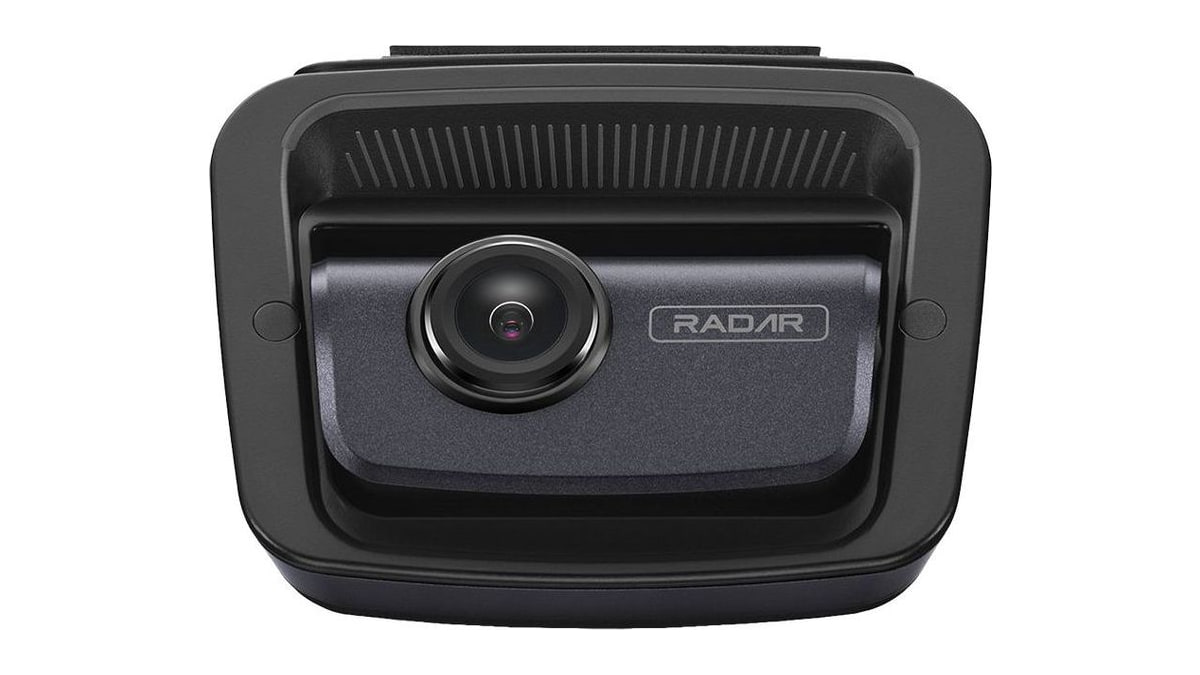
The U3000 PRO asks the least of you of any camera here. Its Dual Radar Parking Mode watches both the front and the rear while the car is parked, and when it detects motion or an impact it saves a 20 second clip. Radar lets the camera wait in a low-power standby, which keeps the draw on the battery small. The front camera records 4K and the rear records 2K.
Thinkware's own box includes a hardwiring cable for parking mode, and the US 2CH kit in our full review came with an OBD-II power cable instead, which draws constant power from the car's diagnostic port without anyone opening a fuse box. Either way the camera arrives with what parking mode needs. The low-voltage cutoff that protects the battery is set in the Thinkware app, and it is the setting worth checking before the first cold morning. Thinkware's own spec footnote recommends professional installation for parking surveillance, whichever cable you use. Our full review goes further into how its radar parking behaves over weeks of overnight parking.
BlackVue DR970X Plus II
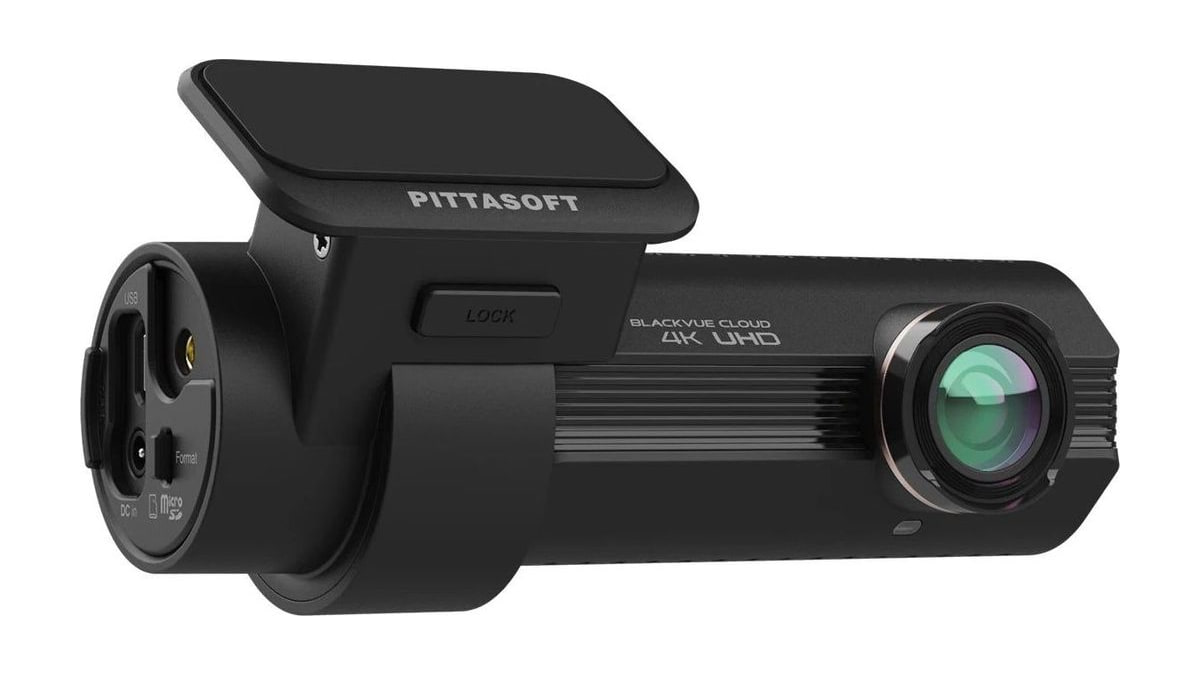
BlackVue is the other camera here that ships with what parking mode needs. The DR970X Plus II comes with a hardwiring cable in the box, and once it is wired in, the camera switches to parking mode on its own when the ignition turns off. The front camera records 4K UHD at 30 frames per second.
Battery protection is built in. The camera watches the voltage and shuts itself down before it can drain the battery, and both the voltage cutoff and a parking timer are set in the BlackVue app. Wiring it in is a fuse box job, but nothing extra has to be bought to do it. The listing linked here is the single camera version.
VIOFO A329S 3CH
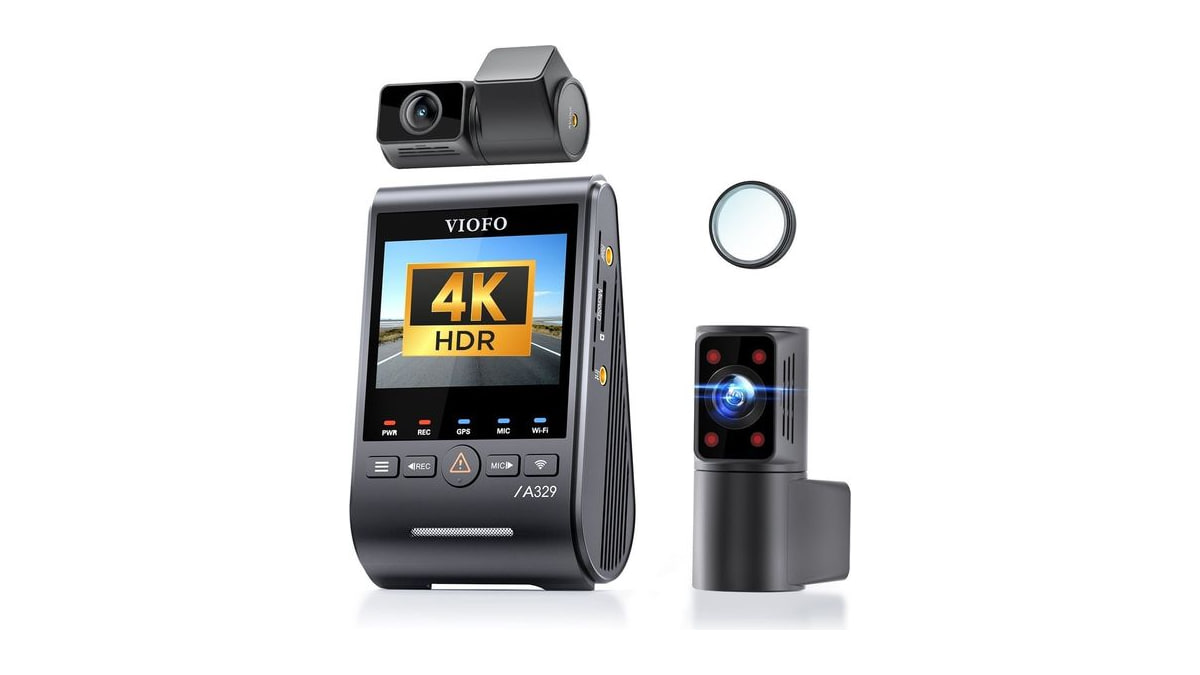
The A329S 3CH records three views at once: a 4K front camera, a 2K rear camera and a 2K cabin camera with a 210 degree fisheye lens. In three channel mode the front camera records at 30 frames per second. VIOFO's 4K at 60 frames per second applies only to its one and two channel setups with HDR turned off, which is easy to miss because the marketing for both versions leans on the higher figure.
Its parking mode is flexible but needs a kit. A hybrid mode records a one frame per second time-lapse for a period you set, then switches to impact detection until the power is cut. Voltage cutoff works only with VIOFO's own HK6 hardwire kit, which is sold separately. One detail worth knowing about its storage: VIOFO's own FAQ says that even with the optional SSD fitted you still have to put a microSD card in the camera to use the new parking modes, that parking files save to that card by default, and that the SSD is there to back them up rather than to replace it. The other is that a cabin lens and its microphone put your passengers on the record as well as the road, and the rules on recording people inside a car differ by state and by country, so it is worth checking yours before the first trip.
Nextbase 622GW
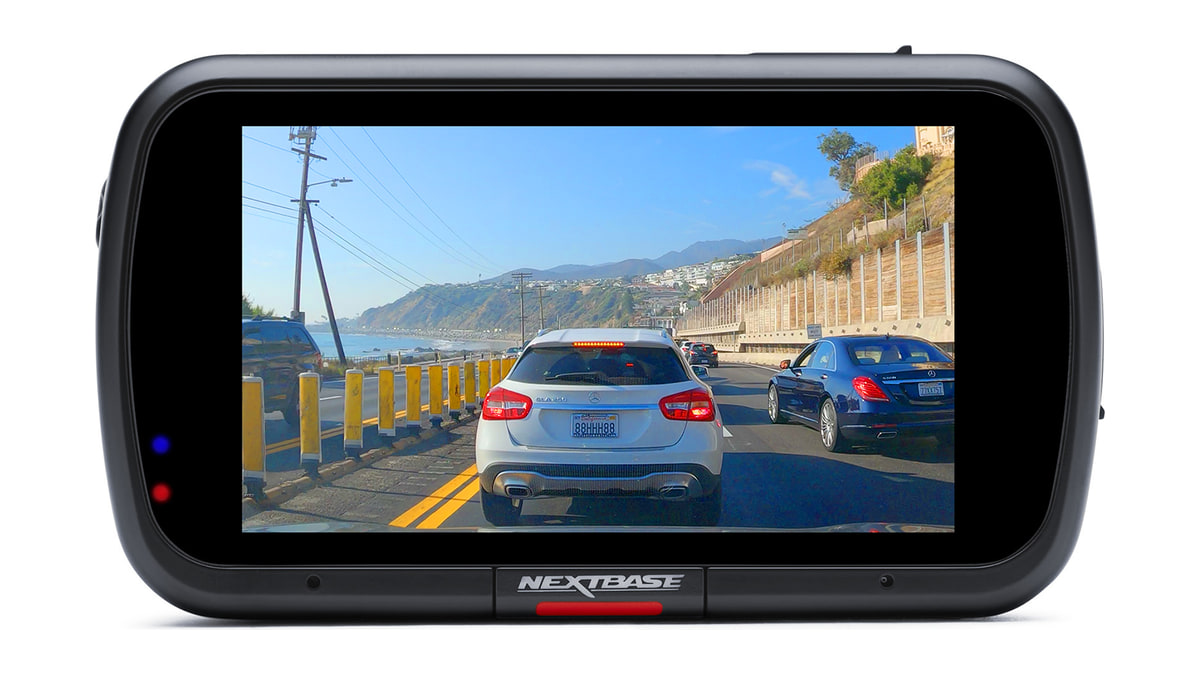
The 622GW records 4K at 30 frames per second through a 140 degree front lens. Its Intelligent Parking Mode starts once the car has been stationary for five minutes or the ignition turns off, and it raises the impact sensor to its highest sensitivity while it waits.
When the car is hit, the camera powers on and saves a protected clip, then stays on for five minutes and shuts down again if nothing else happens. To do that while you are away it needs power that outlasts the ignition. Nextbase sells a hardwire kit separately that connects to the fuse box and includes battery voltage cutoff; wired to a permanent live supply, it is what enables the parking mode.
Vantrue N4
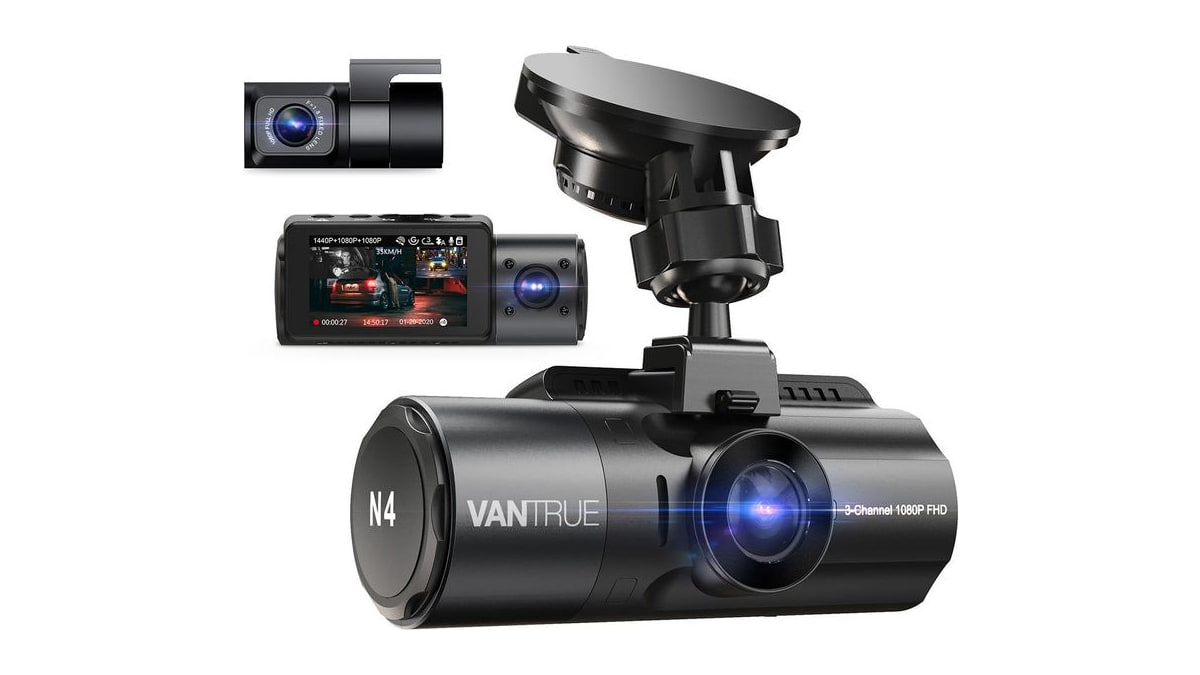
The N4 is the other three channel camera here, recording front, cabin and rear. By default it captures 1440p at the front and 1080p inside and behind, all at 30 frames per second, and a single front camera can record up to 4K. It takes microSD cards from 32GB to 512GB.
Vantrue's own manual labels its parking mode plainly: constant power supply needed. That means a power bank or a hardwire kit, and neither is in the box, which holds a car charger instead. In collision detection mode the camera turns itself off after five minutes without movement and wakes to record when it senses an impact. It is rated to work from 14 to 122 degrees Fahrenheit and shuts down outside that range, so in hot weather Vantrue suggests taking it out of a parked car. Its cabin camera and microphone record the people in the car as well as the road, so the same local rules on recording passengers apply here as to the VIOFO.
Garmin Dash Cam X110
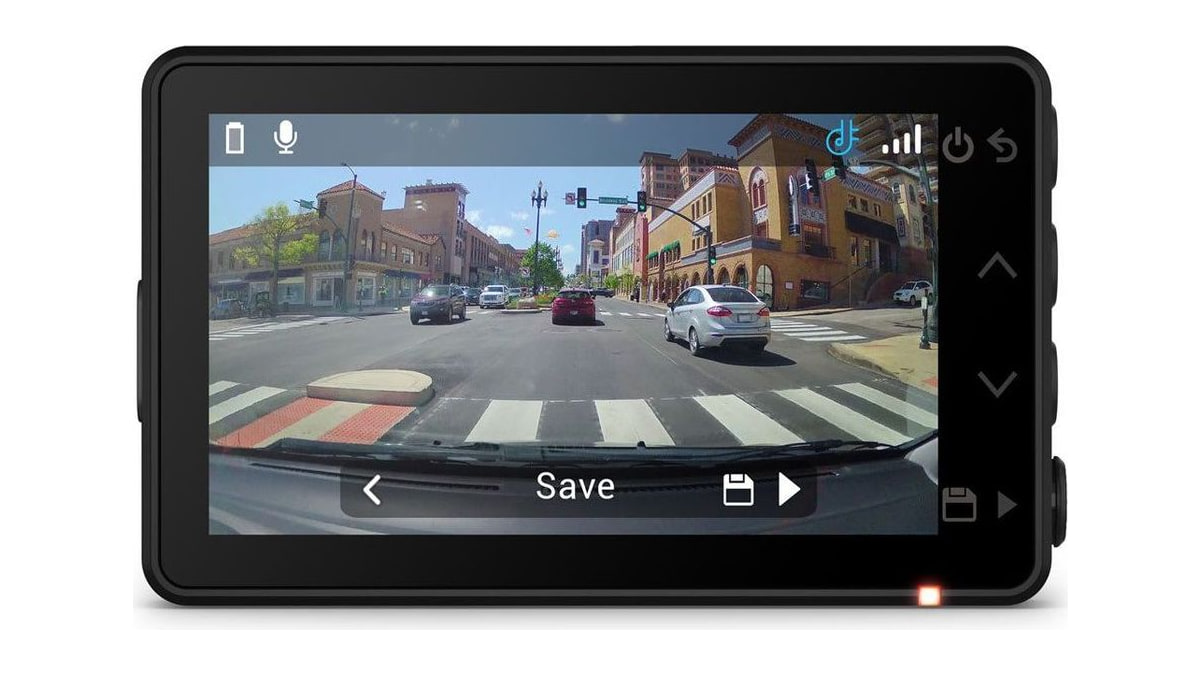
The X110 is the compact choice. It records 1080p HD across a 140 degree field of view, has a 2.4 inch screen for playback and a polarizer that cuts windshield glare. Garmin's manual describes Parking Guard as entering parked recording mode on its own once the vehicle is switched off, then recording each time it detects an incident.
It also asks the most of a buyer before any of that happens. Garmin lists the box as the camera, a low profile adhesive mount, a 13 foot vehicle power cable, a dual USB adapter and documentation. No memory card, and nothing that keeps the camera alive once the ignition is off. For that, the manual points owners to garmin.com to buy the Constant Power Cable separately, an always on 12V adapter that plugs into the OBD II port and can hold a camera running for a set time after the engine stops.
The subscription is a second cost, and it buys something narrower than it looks. Phone alerts for parking incidents and remote live view need a paid Vault plan and a Wi-Fi connection. Garmin's manual attaches the plan to the notification rather than to the recording: the parked incident capture is described as automatic, and the smartphone alert is the part listed as needing an active subscription. So a buyer who adds the cable and skips the plan should still get the footage, without being told it exists until they go looking.
Methodology
Every camera on this list states a parking, radar, time-lapse or impact mode that runs while the engine is off. That was the only requirement for inclusion; cameras that record only while driving were left out.
Each entry is judged on what parked recording depends on rather than on image quality, because that dependency is what buyers tend to discover after the box is open. Where a cable or kit is included, the entry says so. Where it is sold separately, or where a subscription gates a feature, the entry says that instead.
Specifications and what comes in each box are taken from the maker's own manual or product page. The Thinkware and VIOFO entries link to our separate hands-on reviews for more depth; this list itself describes published capability and does not claim to have tested any camera by hand.
More in this category