Start with what the car can see
- Walk around the car first. Engine off, shifter in Park, and every door, the hood and the trunk or tailgate fully shut.
- If you start it from a phone app, the app's own requirements come next, from a settings switch to an active subscription.
- A recent alarm or a run of back-to-back requests can block the next start on some cars.
- Still nothing after the checks? Contact the app's support team or your dealer.
A remote start request can fail simply because the car sees a condition it won't start under, like an open door or an engine that's already running. We'd rule those out before touching the fob, phone or settings, because carmakers put the same parked conditions at the top of their checks and you can confirm each one just by looking.
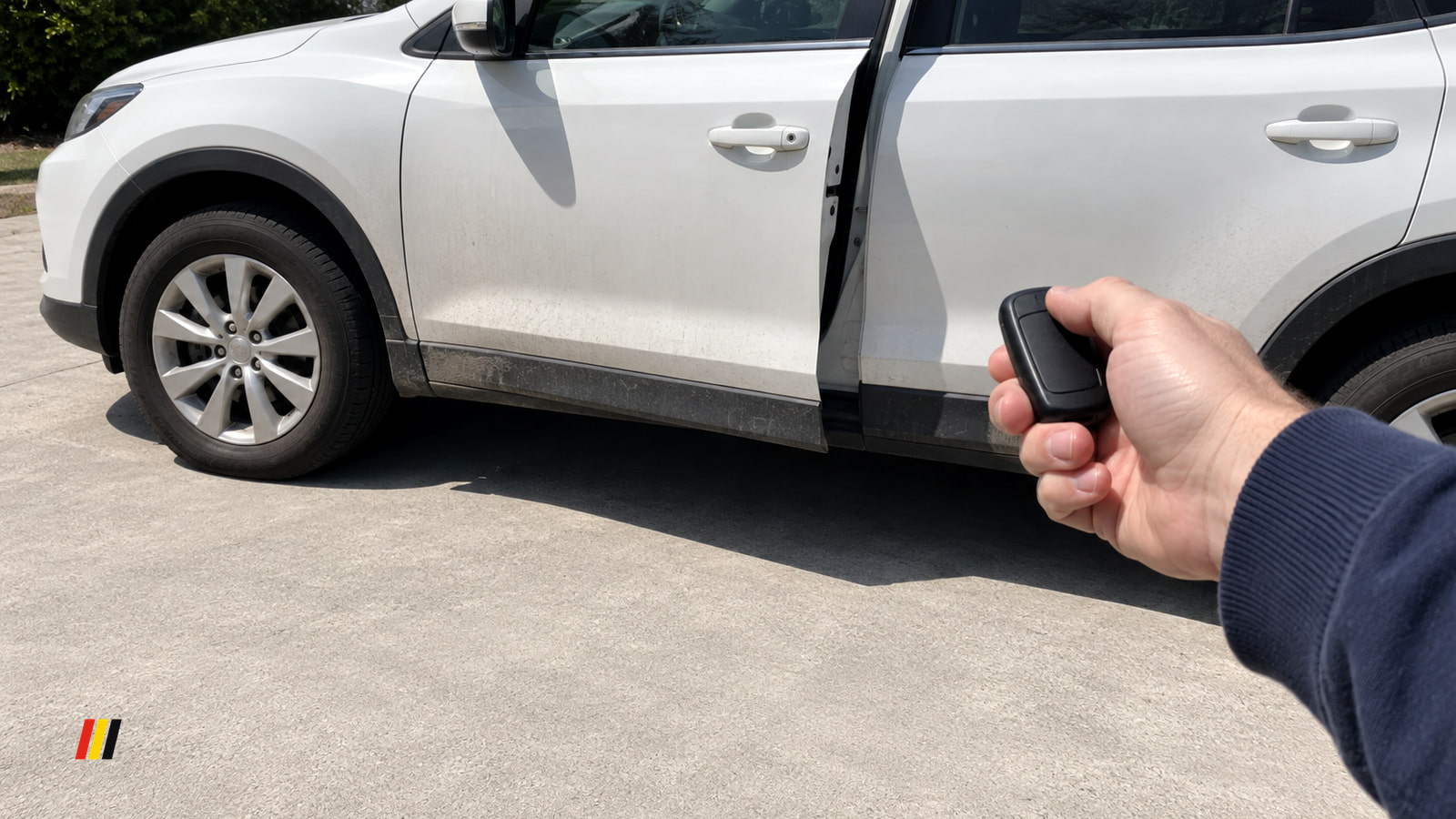
Three things the car needs before it will start remotely
- Turn the engine off before you send the command, since a car that's already running can turn the request down.
- Look at the shifter and make sure it shows Park (P).
- Close every door, the hood, and the trunk lid, liftgate or tailgate completely, then give each one a second look.
If one of them was off, fix it and send the command again before you dig any deeper. Getting all three right is the starting point for every other check below.
Where your other keys are can matter too
On a 2013-2016 Nissan Altima Sedan, 2013-2016 Pathfinder, 2014 Pathfinder Hybrid, 2016-2017 Maxima, 2016 Titan XD or 2015-2016 Murano, your owner's manual explains how remote engine start works, and two more conditions sit on top of the three parked checks.
Keep every other Intelligent Key for the car out of the car and out of its starting range, and stay within 197 ft (60 m) with the fob you're using. With all five conditions met, the system should work.
If it still won't start, see a Nissan dealer and let them confirm whether a known remote engine start problem applies to your car. Diagnosis on these models is technician work, and it begins with verifying the problem before any parts get replaced.
Remote start can be switched off in settings
On a Ford, remote start only works when it's turned on in the instrument cluster, and you check that with the engine running.
- Start the car and leave it running and parked.
- Use the arrow buttons on the steering wheel to reach Settings, then push OK.
- Scroll to Vehicle and push OK.
- Arrow to Remote Start and push OK.
- Scroll to System and push OK.
- Set Remote Start to On. You'll see a checkmark when it's on.
Instrument clusters differ by model, so if your menus don't use these names, your owner's manual has the path for your vehicle.
Shut the engine off when you're done, because the engine has to be off when you request a remote start.
When the phone app still won't start it
With a Ford, the app is a download that works on select smartphone platforms, and message and data rates may apply.
App requests also need the alarm horn to be quiet, and the app should warn you if a door, the hood, the trunk or the tailgate is ajar. Once the parked checks pass and remote start shows as on in settings, work through these in order.
- Restart your phone and send the remote start again.
- Make sure the vehicle isn't in Deep Sleep mode.
- If the app shows an error after a string of back-to-back requests, drive the vehicle to reset its remote start settings, then try the app again.
If commands still fail after all of that, contact Ford app support (opens in a new tab) for more help.
The alarm went off since your last drive
On a Subaru with MySubaru, a triggered security alarm blocks the remote engine start command for security reasons until the car has been started by hand.
The command also needs an active MySubaru Connect Safety & Security Plus subscription, so confirm yours is current.
Start the car normally once after the alarm, then send the remote engine start command from your MySubaru account again.
Preferred source
See more TunedDrive on Google
Select TunedDrive in Google’s source preferences. It takes a few seconds and costs nothing. Our car news, reviews and fixes become more likely to appear in your Top Stories, and AI Overviews can mark them as preferred.
More in this category