Buying and Ownership
What Is a Tire Speed Rating?
A tire speed rating is the letter beside the load rating that shows its maximum sustained speed under specified conditions.
Cars, tested and explained/ News, guides and fixes
How we testEditorial byline
Vehicle technology and diagnostics. TunedDrive covers new cars, in-car technology, gear and the fixes that keep vehicles running, with model-specific context and clear stop points where a mechanic takes over.
17 stories
Buying and Ownership
A tire speed rating is the letter beside the load rating that shows its maximum sustained speed under specified conditions.
Dashboard and Diagnostics
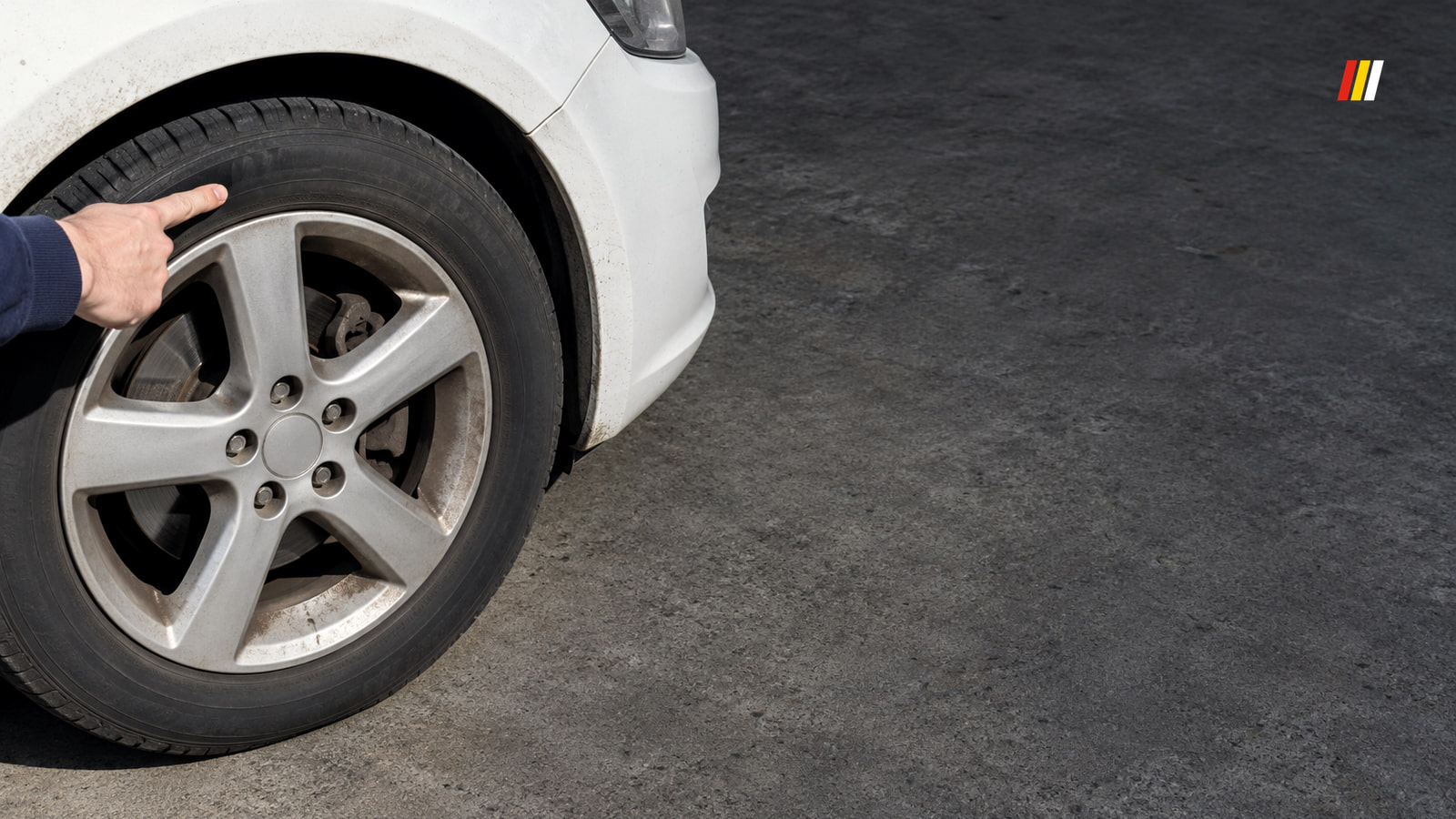
The last four DOT digits give a tire's manufacturing week and year. Read them to work out its age, then check what that age means for your tire.
Dashboard and Diagnostics
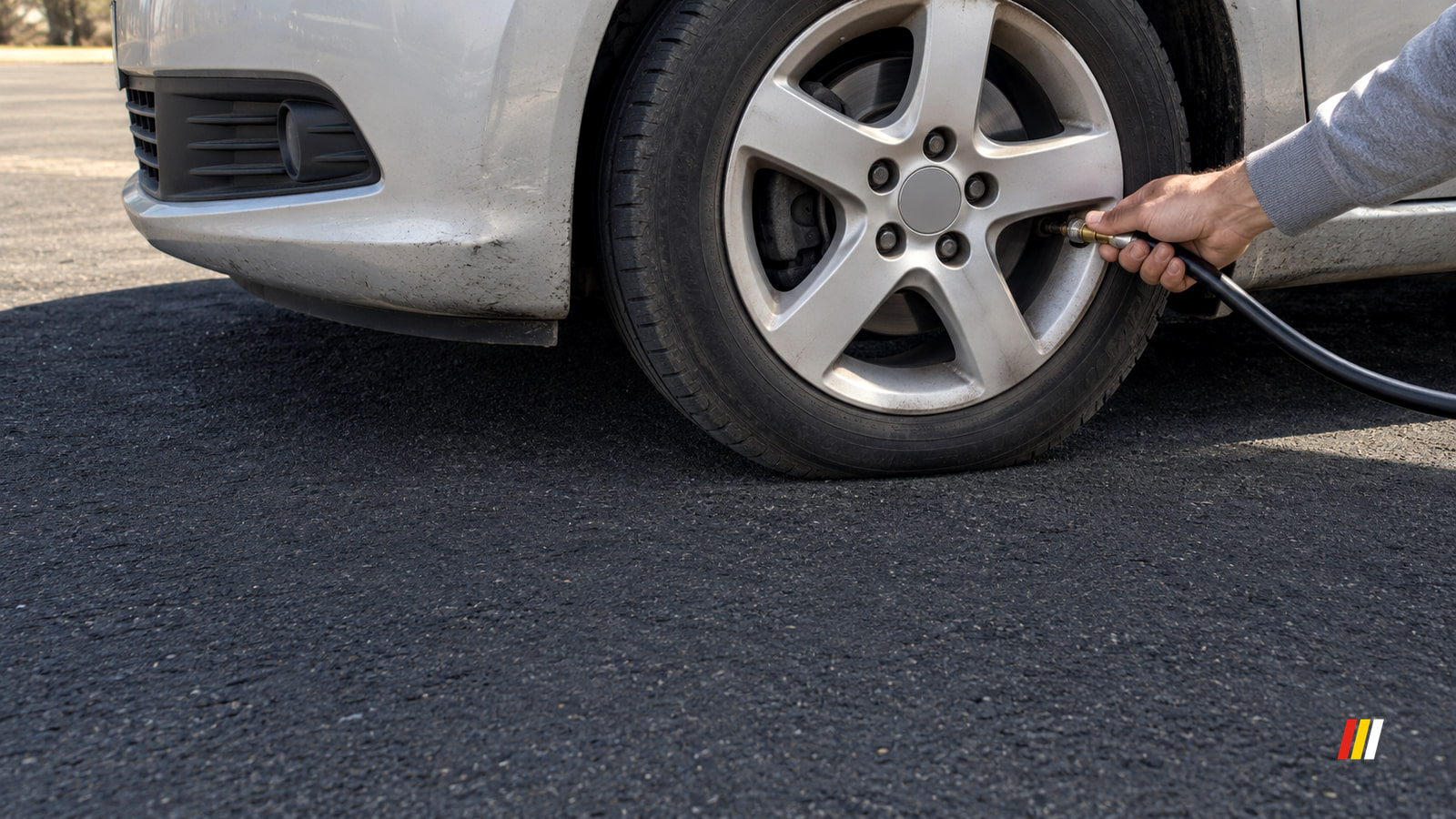
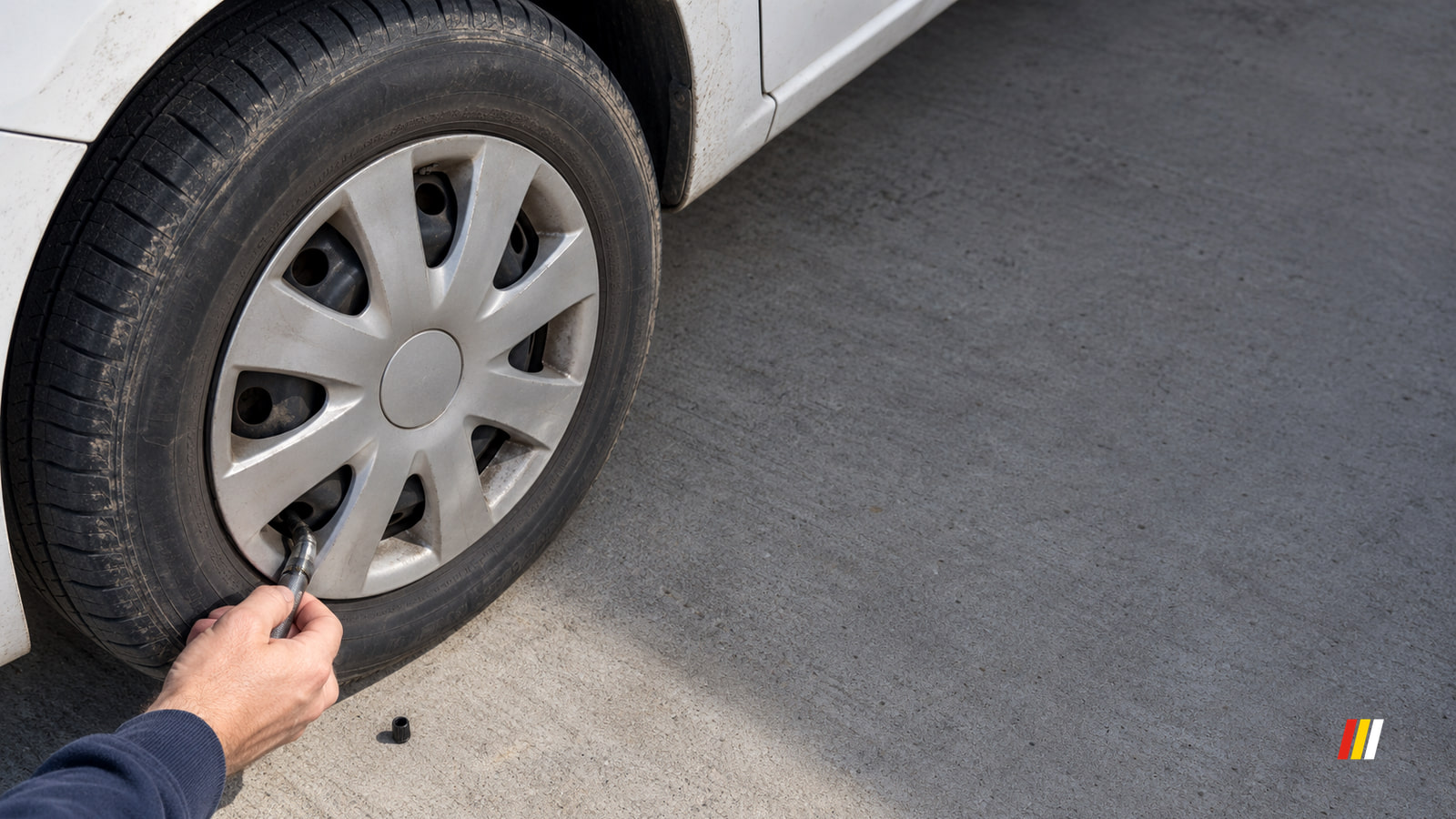
To put air in car tires, find the recommended pressure, use your own gauge at the pump, and recheck each tire after filling.
Dashboard and Diagnostics
Read the driver’s door placard for the factory tire size, then compare it with the complete sidewall code on each tire on your car.
Climate
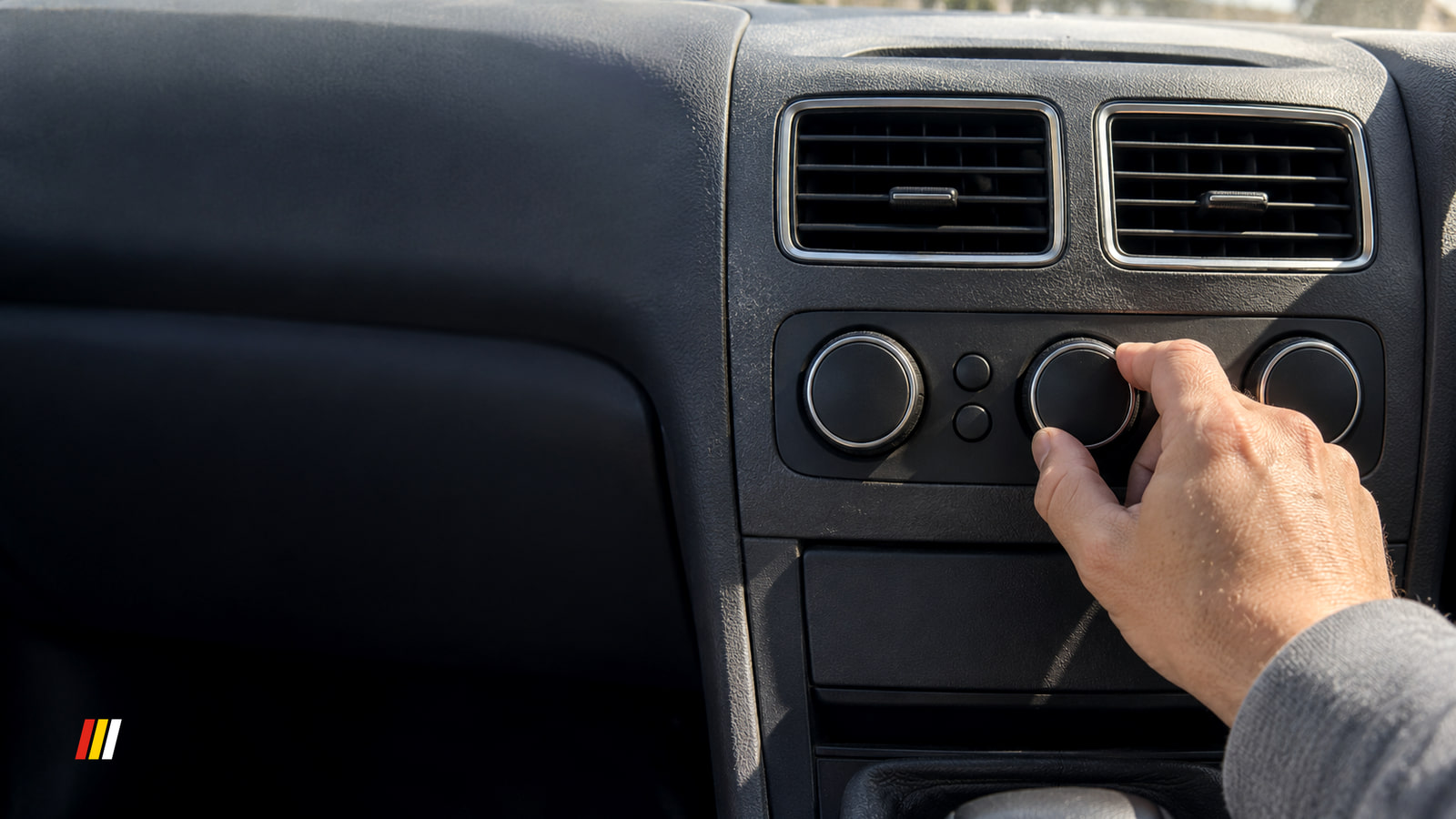
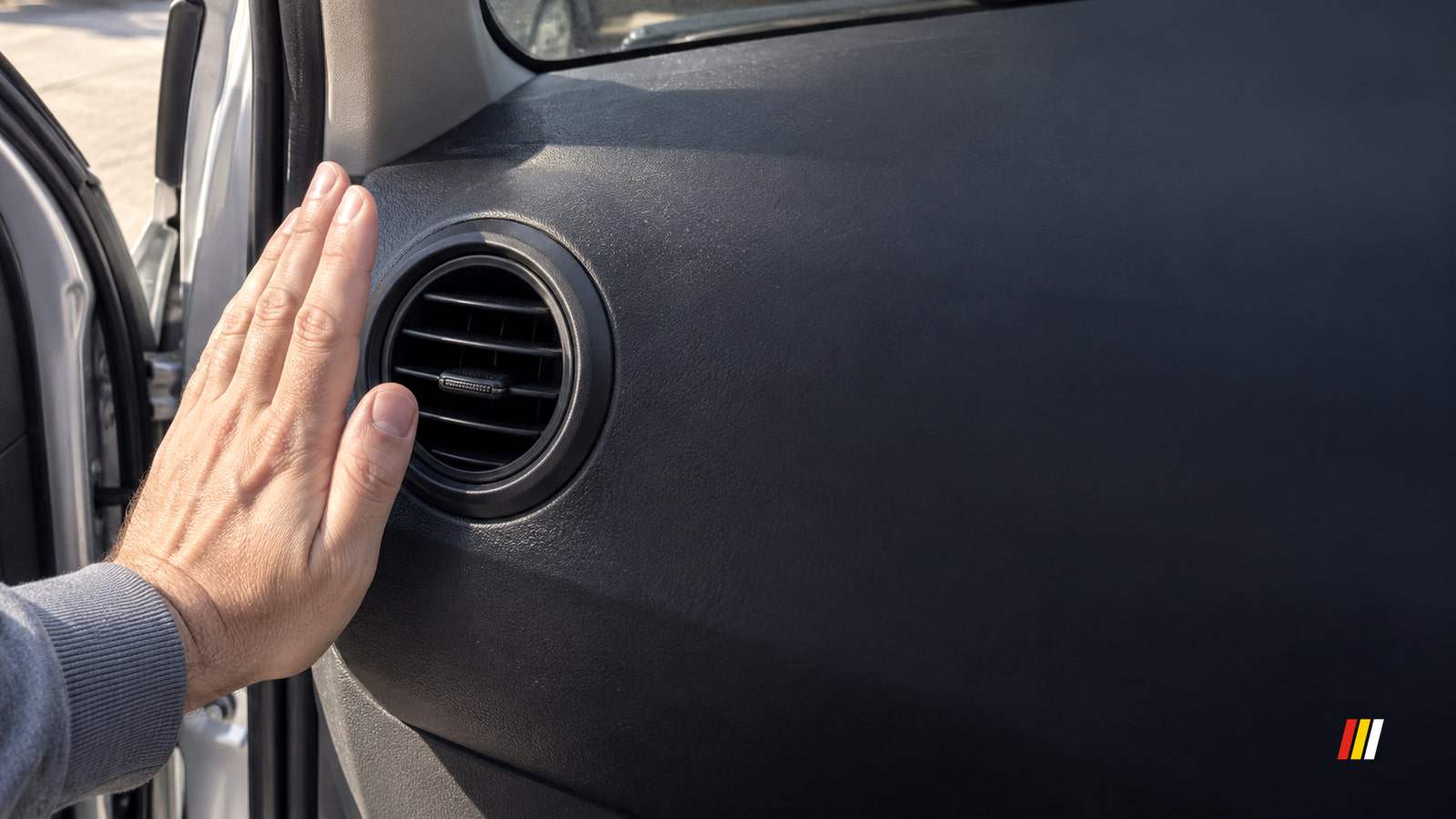
Vent a hot cabin briefly, then close the windows and use A/C with recirculation. Weak airflow or persistently warm air needs a closer look.
Dashboard and Diagnostics
Enter your VIN in the free federal recall lookup. An open result needs action; a zero result means no unrepaired recall appears within the lookup’s coverage.
Cameras and Security
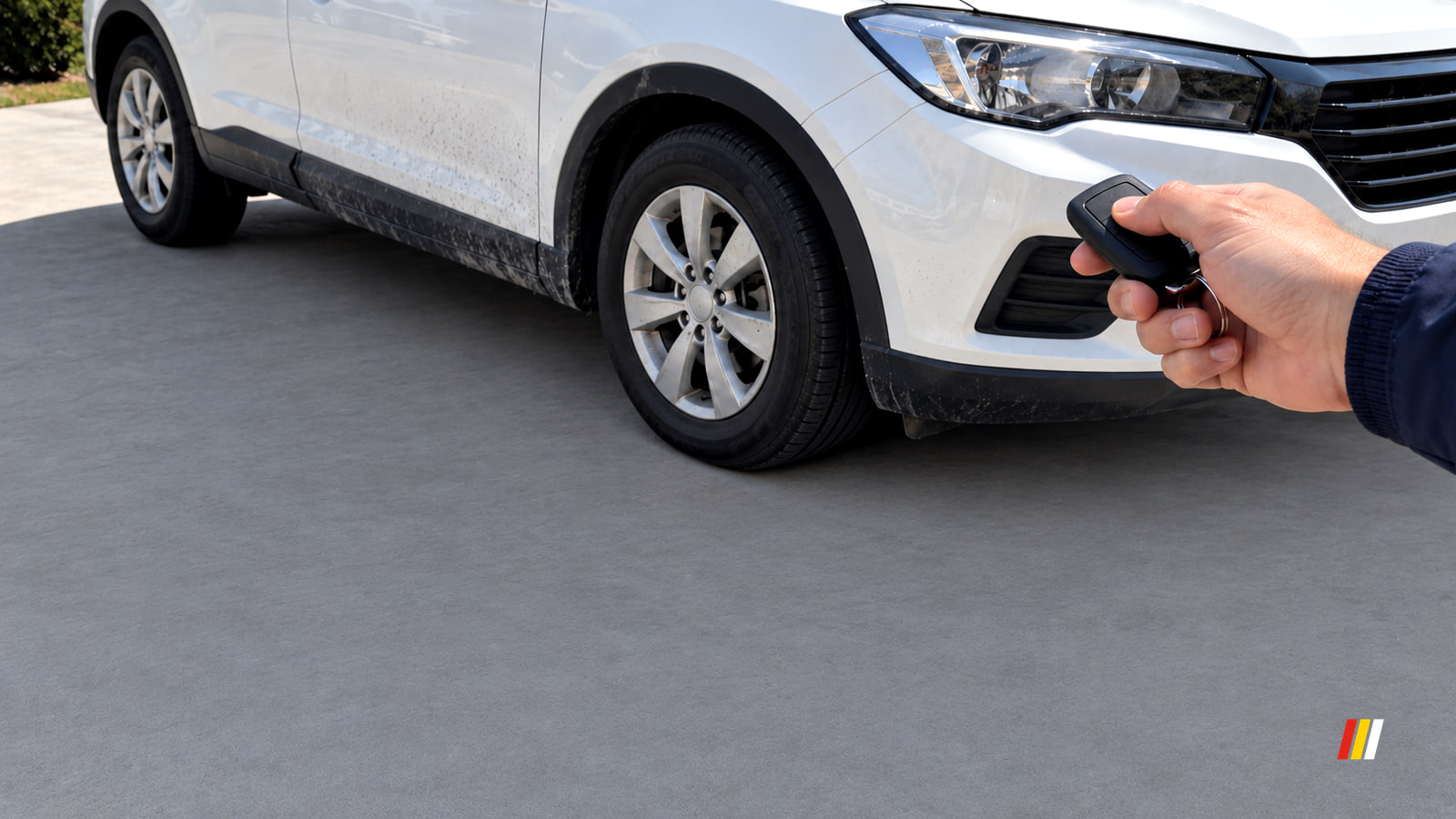
If your car alarm keeps going off, disarm it with Unlock, then look for an ajar warning, a pressed Panic button or a 12V battery problem.
Dashboard and Diagnostics
A steady tire pressure light usually means low air. Check all four tires with a gauge; a light that flashes first points to a monitoring fault.
Dashboard and Diagnostics
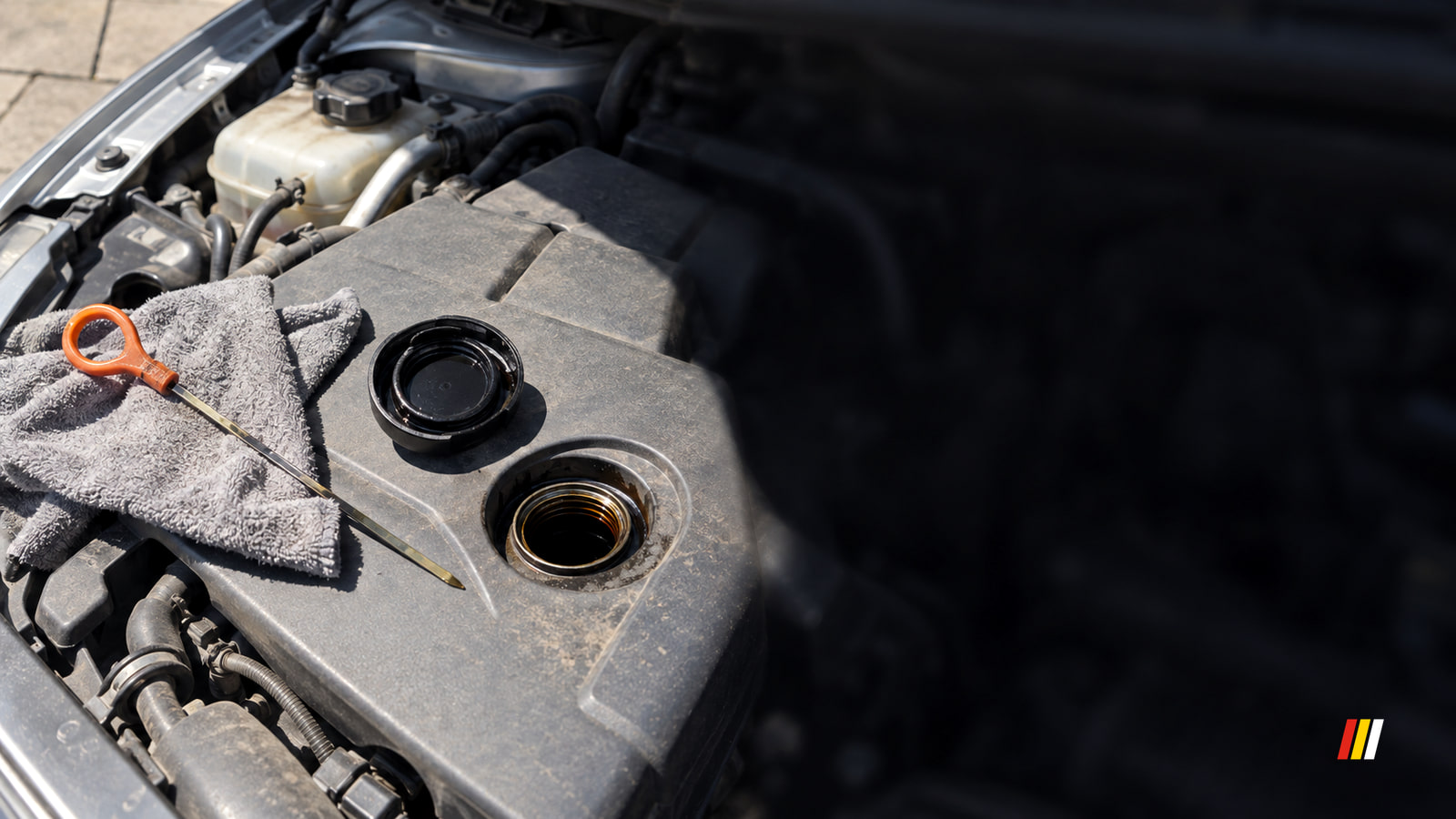
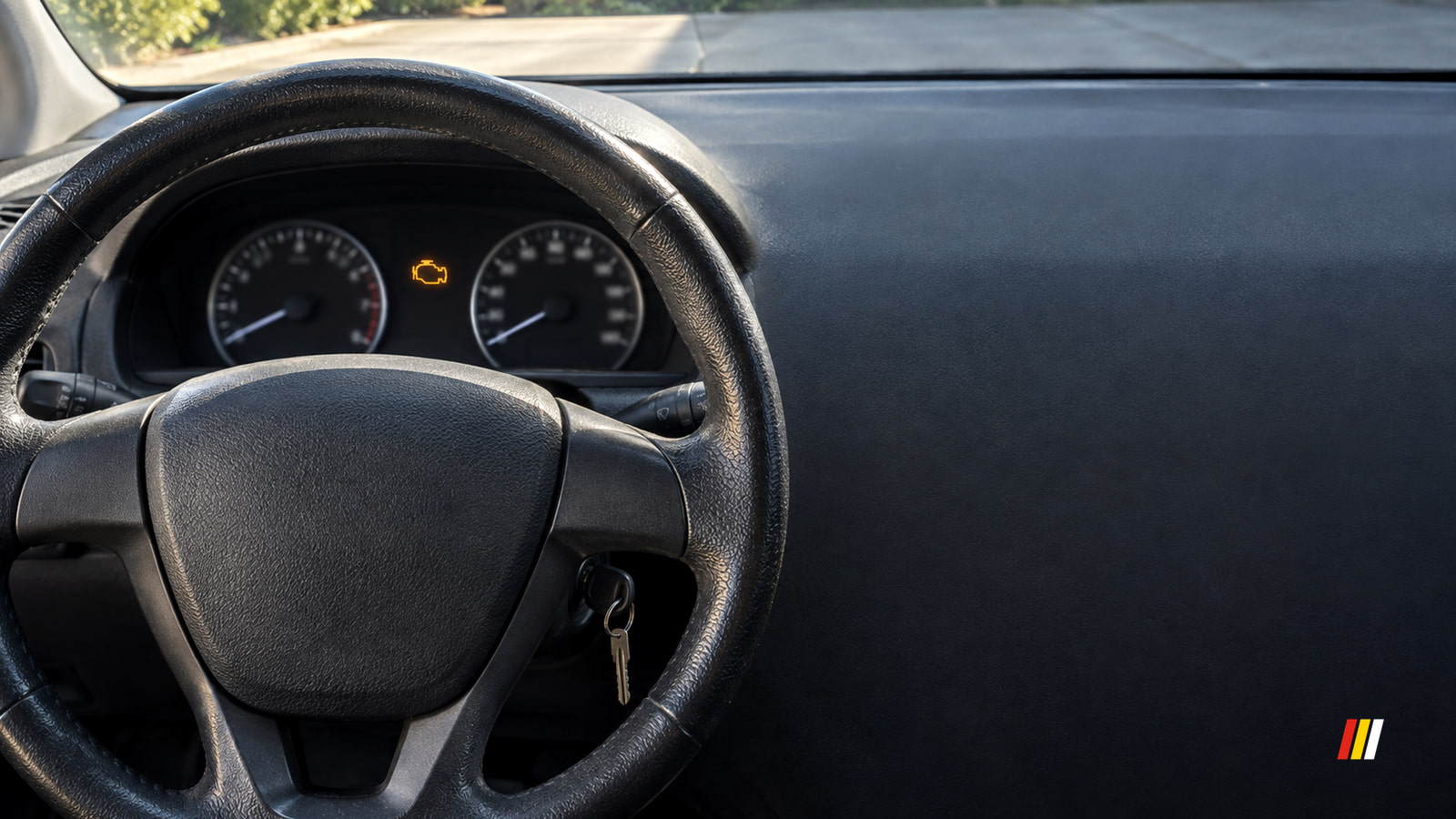
A check engine light isn't an oil change reminder. Oil trouble or something disturbed during service can trigger it, so identify the warning first.
In-Car Tech
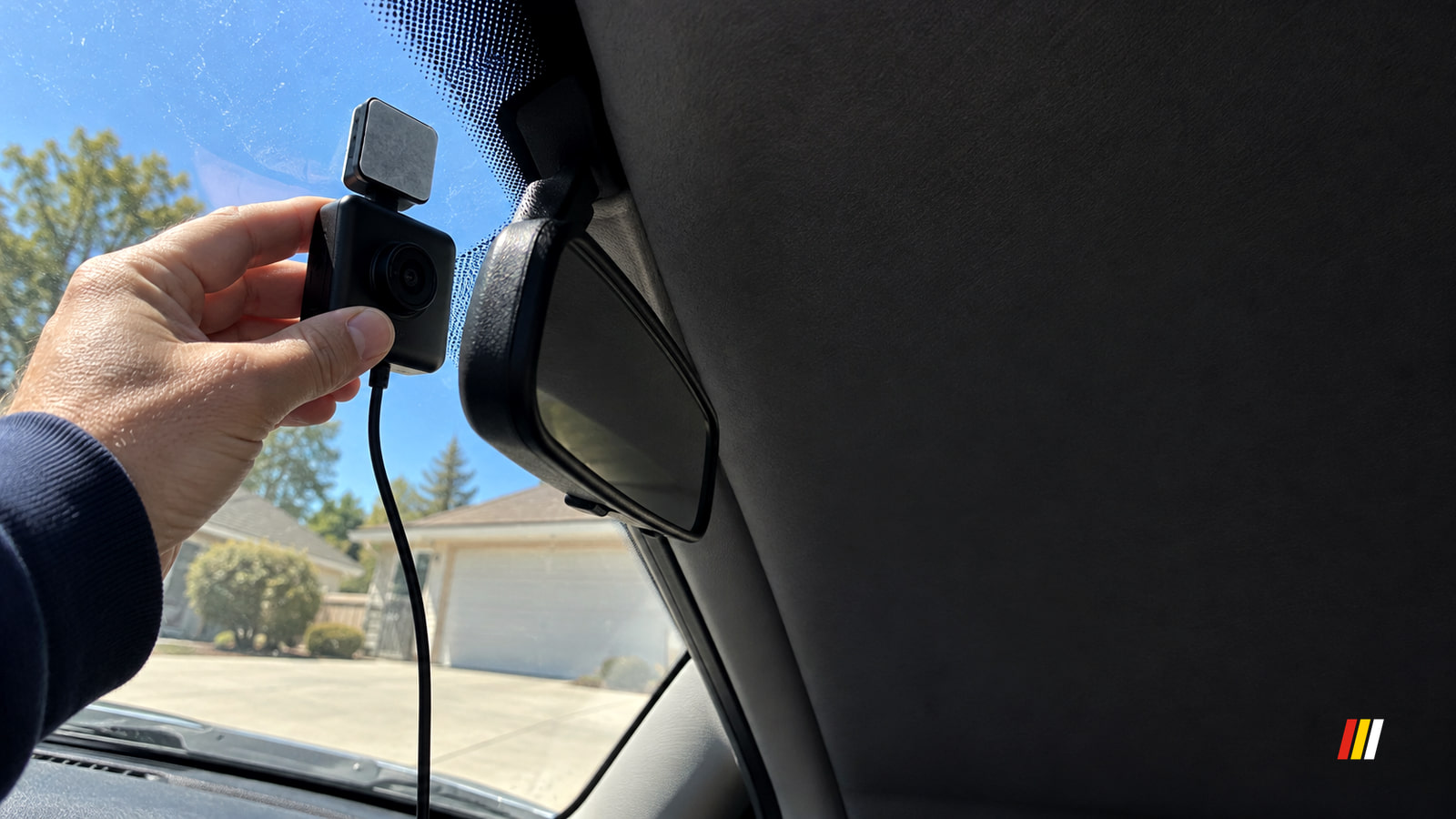
How to install a dash cam: choose a safe spot, match the power setup to how you’ll use it, then play back front and rear test footage while parked.
Dashboard and Diagnostics
Check engine light on but car running fine? Check for a flashing light or other warnings first, then check the fuel cap and arrange a diagnosis.
Starting and Battery
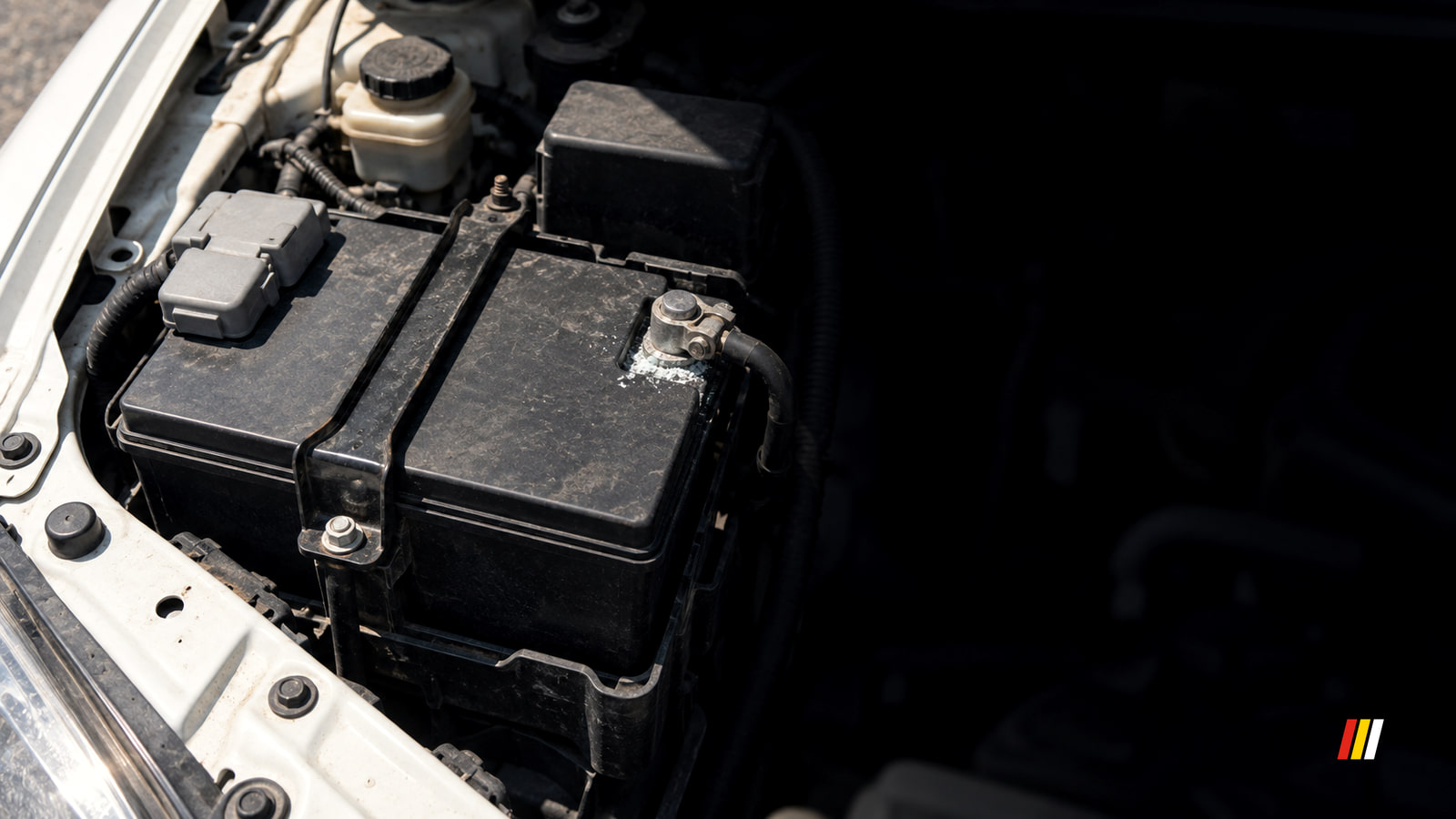
A car battery keeps dying when it can't hold a charge, isn't recharged while driving, has a poor connection, or loses power while parked.
Climate
Car AC not blowing cold? Check the controls, then notice whether the airflow is weak, stays warm or fades at stops. Each result points to a different next step.
Dashboard and Diagnostics
A flashing check engine light calls for a safe stop. If it's steady and the car feels normal, check your car's warning instructions and arrange a diagnosis.
Buying and Ownership
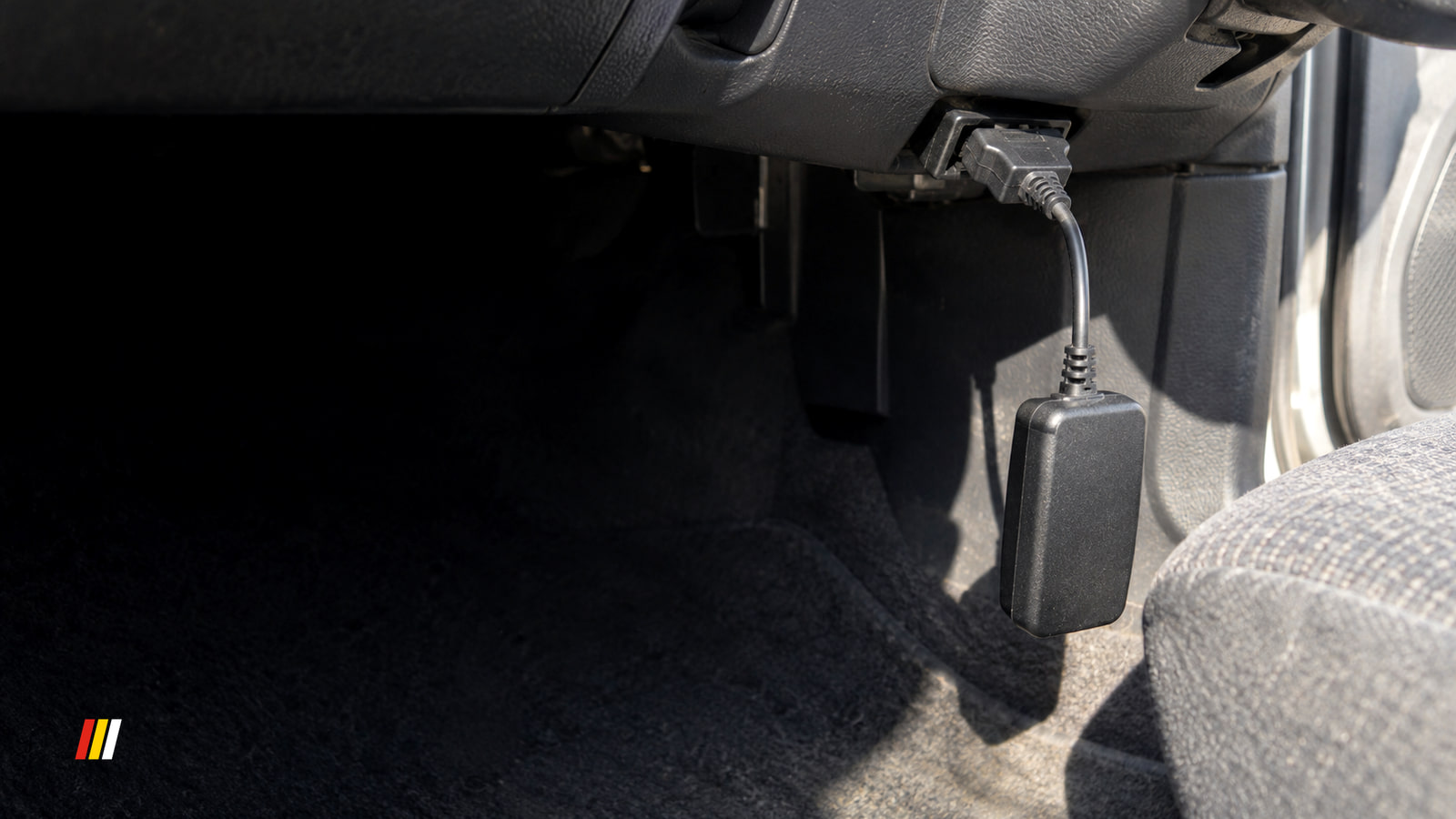
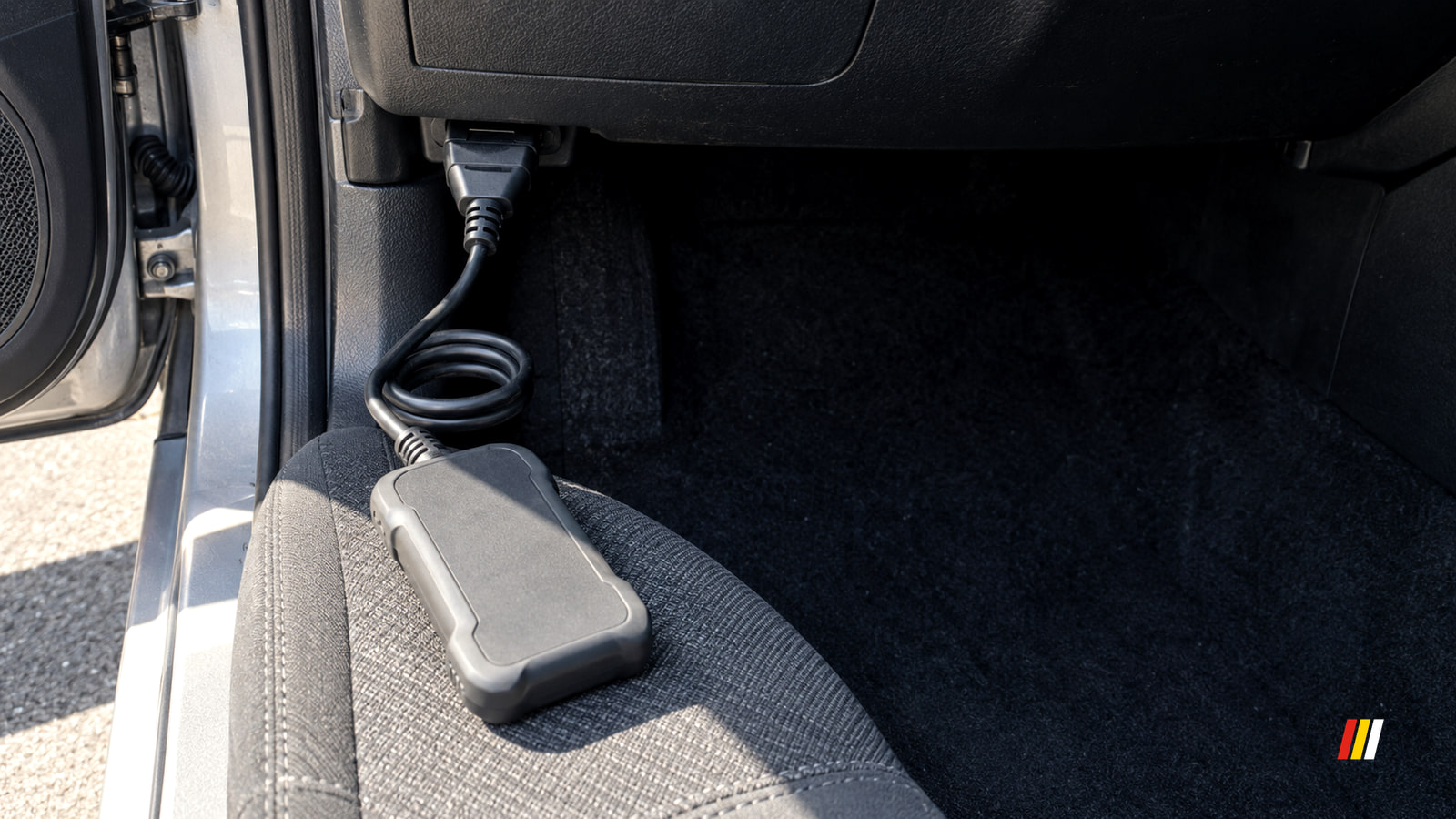
Park, plug in with the ignition off, then turn it on without starting. Read and save every code, freeze frame and readiness result before using Erase.
In-Car Tech
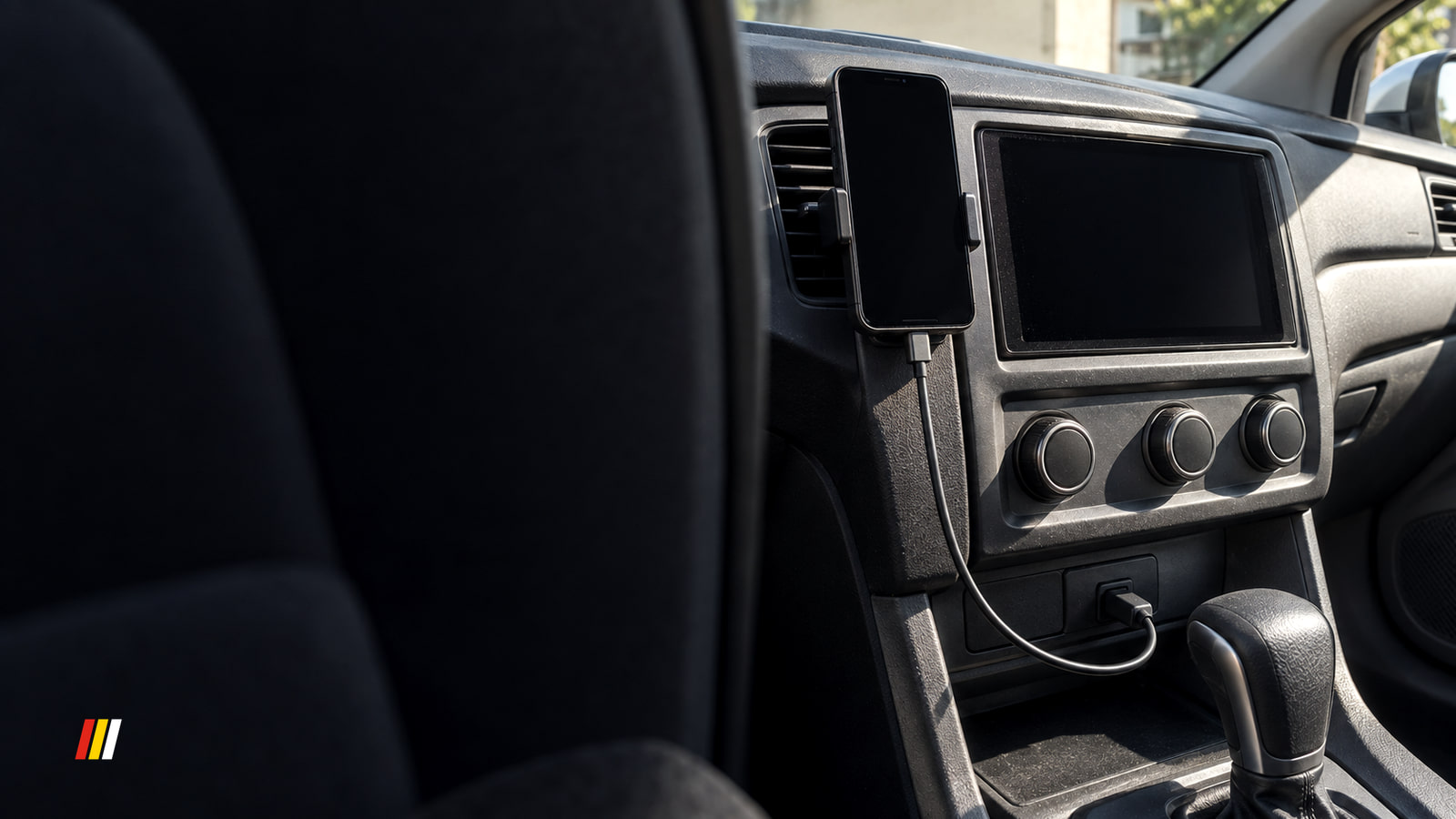
When Google Maps fails on Android Auto, test a new route on your phone while parked, then compare the car screen to find the right fix.
Cameras and Security
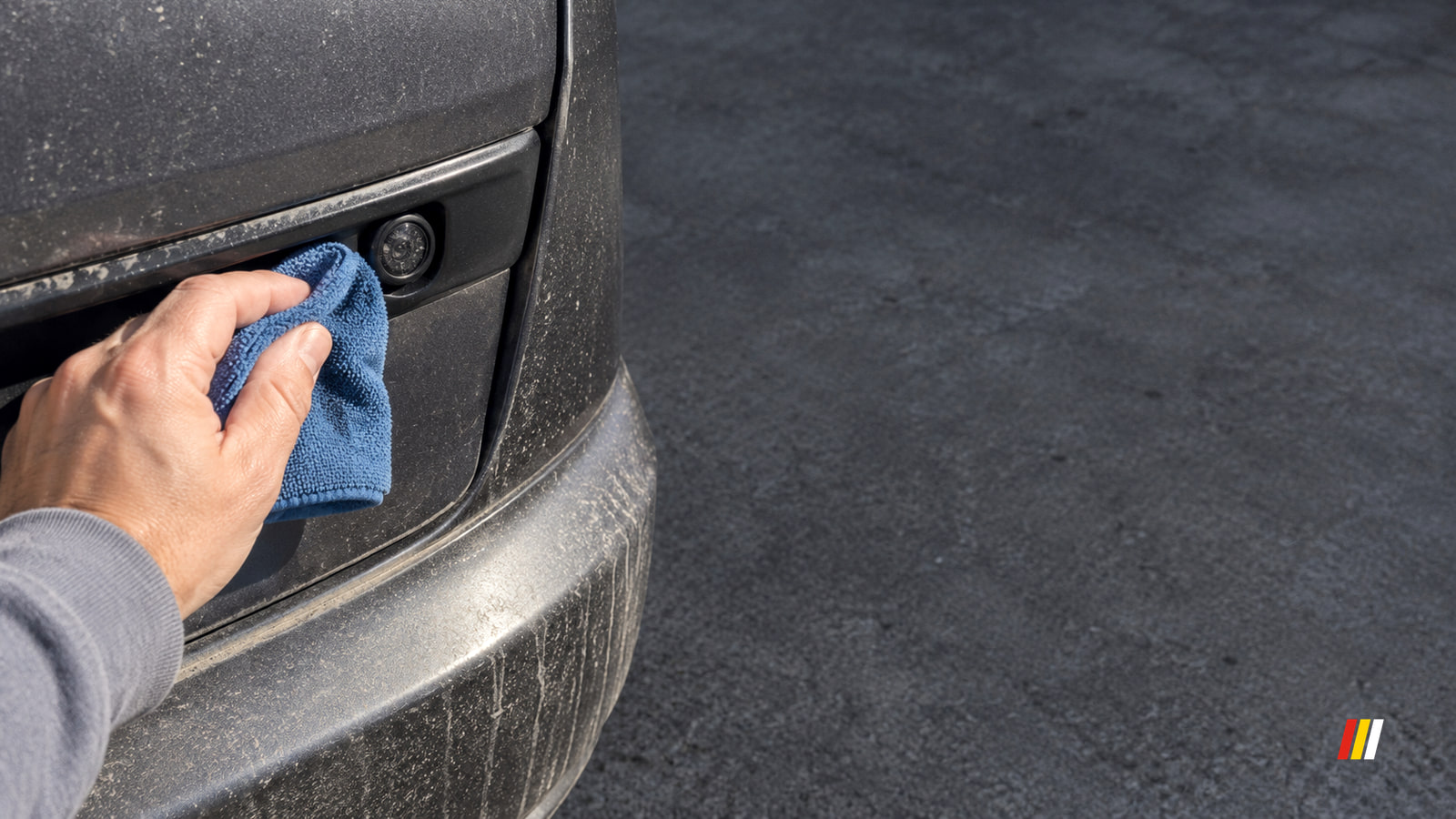
A backup camera that won't turn on points first to the reverse signal or screen. A blank camera view points to power or video; a hazy one points to the lens.